Best Monero Wallets in 2026: Top XMR Wallets Compared

The best Monero wallet depends on how much control you want over your keys, blockchain synchronization, and network connections — not simply whether a wallet supports XMR.
For most users, Cake Wallet is one of the strongest mobile options, Feather stands out on desktop, and the official Monero GUI gives advanced users the most direct control over their node setup. Atomic Wallet is a practical choice if you want to manage XMR alongside Bitcoin, Ethereum, and 1,000+ other assets in one self-custody wallet.
Monero adds an important privacy consideration that generic wallet comparisons often miss. Transactions are private at the blockchain level, but the way a wallet connects to the Monero network still matters. Using your own node, a third-party remote node, Tor, or a lightweight synchronization model can create different privacy and convenience trade-offs.
Best Monero Wallets in 2026: Quick Comparison
There is no single best XMR wallet for every user: Monero GUI offers the most node control, Feather is built for privacy-focused desktop use, Cake excels on mobile, and Atomic is better suited to multi-asset portfolios.
The distinction between local and remote synchronization matters. Monero’s official wallet directory separates wallets that scan the blockchain locally from lightweight wallets that send a private view key to a remote scanning server. Local scanning generally preserves more wallet privacy, although it can take longer to synchronize.
One familiar name is also missing from this 2026 list for a reason: MyMonero was sunset on January 6, 2026, with its team directing users toward Cake Wallet as part of the transition. Any current “best Monero wallets” ranking that still recommends MyMonero as an active wallet is outdated.
Atomic Wallet — Best Multi-Asset Wallet for Monero
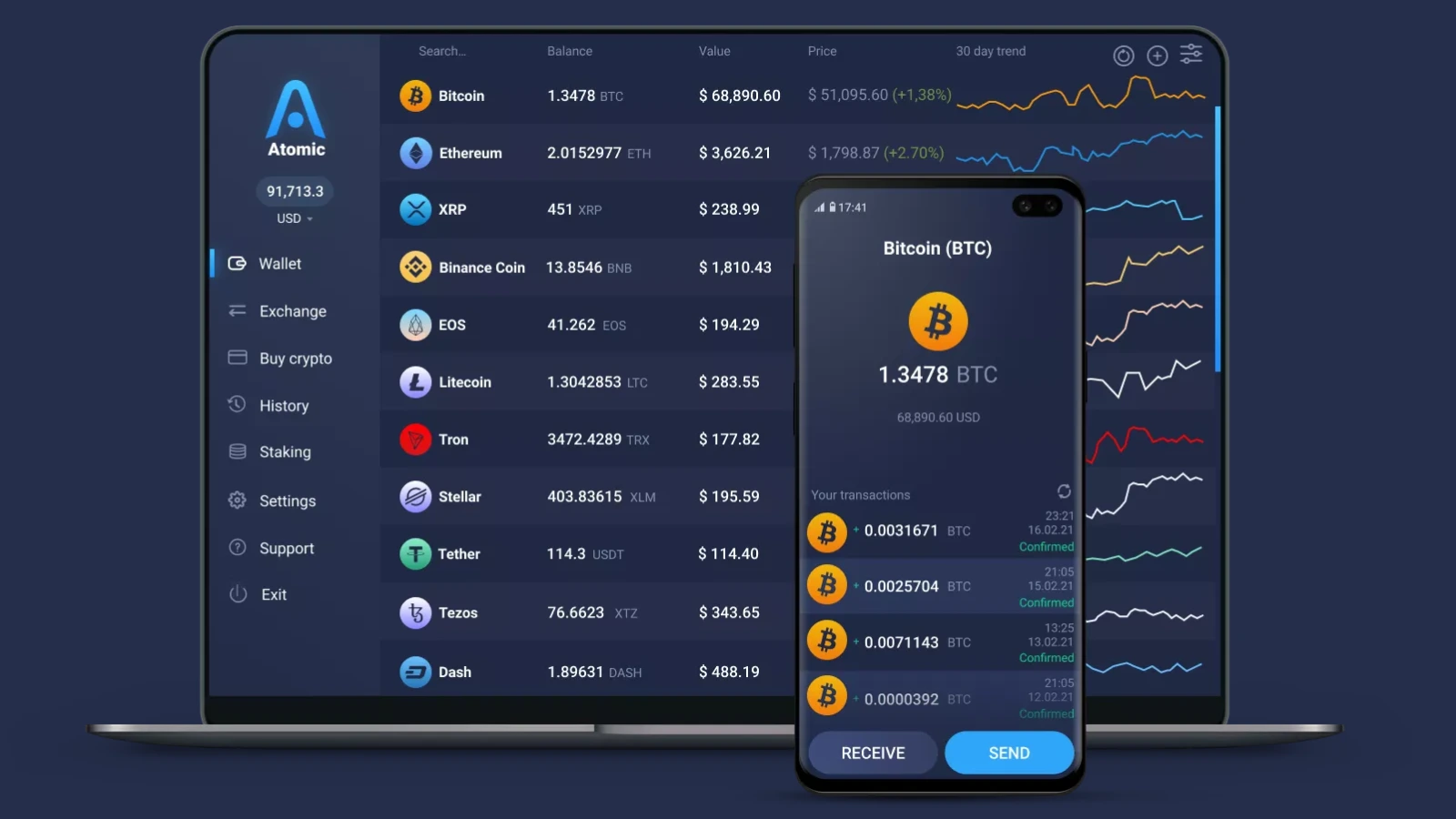
Atomic Wallet is a strong choice for users who want to manage XMR alongside Bitcoin, Ethereum, and 1,000+ other assets without giving up control of their private keys.
Atomic is non-custodial: private keys are encrypted and remain on the user’s device, while the wallet requires no registration to manage crypto. XMR can be stored, sent, received, and swapped directly in the app.
Its main advantage is convenience. Instead of maintaining a separate Monero-only wallet, users with broader portfolios can manage XMR and other assets from one interface.
That comes with a trade-off. Atomic is not designed around advanced Monero networking features such as running your own node, selecting custom remote nodes, or routing wallet traffic through Tor. Users who want that level of XMR-specific control are better served by Monero GUI or Feather.
Best for: users who hold XMR as part of a broader crypto portfolio and want a straightforward self-custody wallet.
Monero GUI — Best for Maximum Node Control
Monero GUI is the strongest option for users who want an official Monero wallet with direct control over how their wallet connects to the network.
Developed by the Monero community, the open-source GUI is available for Windows, macOS, and Linux. Users can choose between a simpler setup that connects to a remote node and Advanced mode, where they can run their own node or select a custom remote one.
Running your own node removes the need to depend on a third-party node for blockchain data. That matters for privacy because Monero’s own documentation warns that malicious public remote nodes can attempt to associate network metadata such as a clearnet IP address with transaction activity. Monero recommends either running your own node or using one you trust; Tor or I2P can add another layer of network privacy.
The cost is storage and synchronization. As of January 2026, Monero’s blockchain was approximately 250 GiB for a full node and 100 GiB for a pruned node. Pruning therefore gives users much of the independence of a local node without storing the entire blockchain.
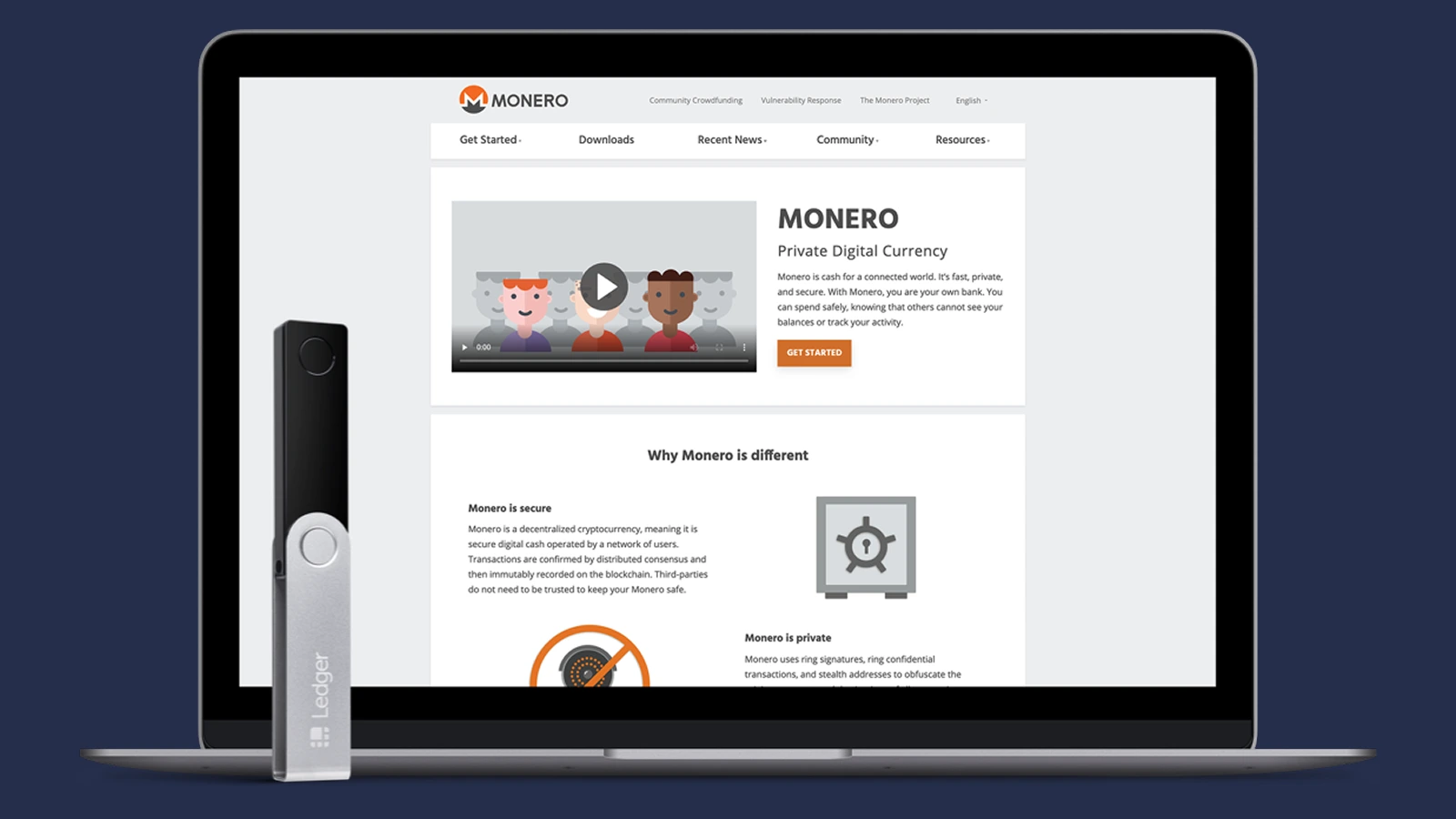
Monero GUI also works with compatible Ledger and Trezor hardware wallets, making it useful for users who want hardware signing without giving up Monero-specific node control.
Best for: users who prioritize Monero-specific control, want to run their own full or pruned node, and do not mind a more involved setup.
Feather Wallet — Best Monero Wallet for Desktop
Feather Wallet is one of the strongest desktop options for Monero users who want built-in privacy tools without running the full Monero GUI stack.
Feather is an open-source, Monero-only wallet for Windows, macOS, Linux, and Tails. It supports built-in Tor, custom or local nodes, local blockchain scanning, subaddresses, view-only wallets, and offline transaction signing.
Its privacy model is a major strength. Feather scans transactions locally rather than handing the private view key to a remote scanning service, while Tor support can help reduce exposure of network metadata when connecting to remote nodes. Users can also point Feather to their own Monero node for greater control.
Hardware-wallet support is broad but worth checking by model. Feather currently documents support for Ledger Nano S, Nano S Plus, Nano X, Stax, and Flex, as well as Trezor Model T, Safe 3, and Safe 5. Trezor Safe 7 is not currently supported, which is exactly the kind of compatibility detail older wallet comparisons can miss.
Feather is more technical than mainstream multi-asset wallets, but that is also the point: it gives desktop users substantially more control over how XMR is scanned, routed, and signed.
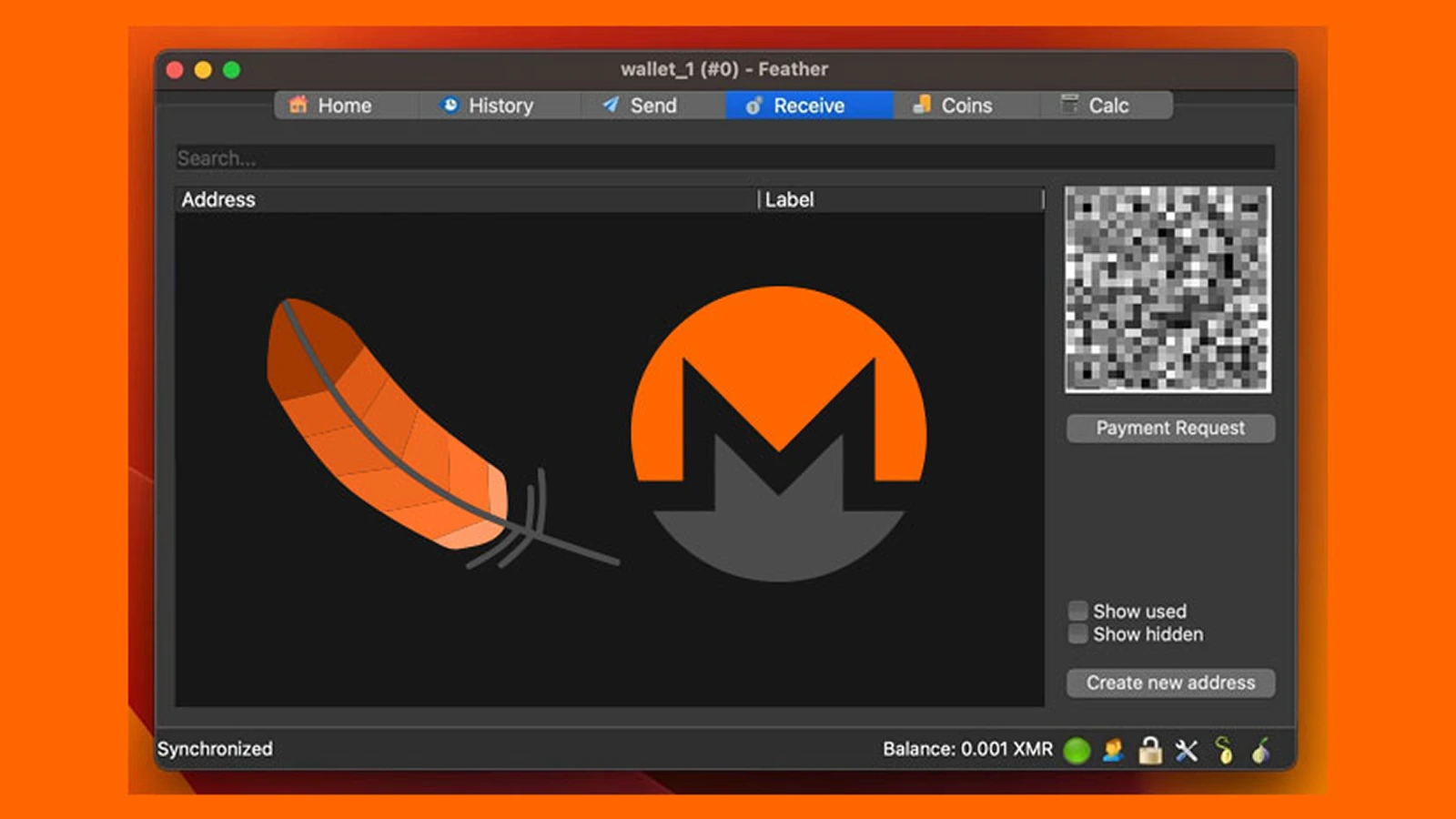
Best for: desktop users who want a lightweight Monero-focused wallet with Tor, custom nodes, and advanced privacy controls.
Cake Wallet — Best Monero Wallet for Mobile
Cake Wallet is one of the most complete mobile Monero wallets, combining self-custody, custom-node support, subaddresses, and hardware-wallet compatibility in a relatively accessible interface.
Cake is available on iOS and Android, with desktop versions for macOS, Linux, and Windows. For Monero, it supports custom nodes, view-only wallets, subaddresses, Polyseed recovery phrases, and Ledger integration.
One particularly useful Monero-specific feature is subaddress handling. Cake can automatically generate a fresh Monero subaddress after the previous one has been used, reducing address reuse without requiring users to manage every receiving address manually.
Cake also supports 16-word Polyseed for newly created Monero wallets, while retaining compatibility with legacy 25-word Monero seeds. Polyseed reduces backup length while remaining designed for deterministic wallet recovery.
Its main trade-off is that Cake is now a broader multi-asset wallet rather than an XMR-only power-user tool. Users who want deeper desktop controls, built-in Tor, or a more technical node setup may still prefer Feather or Monero GUI.
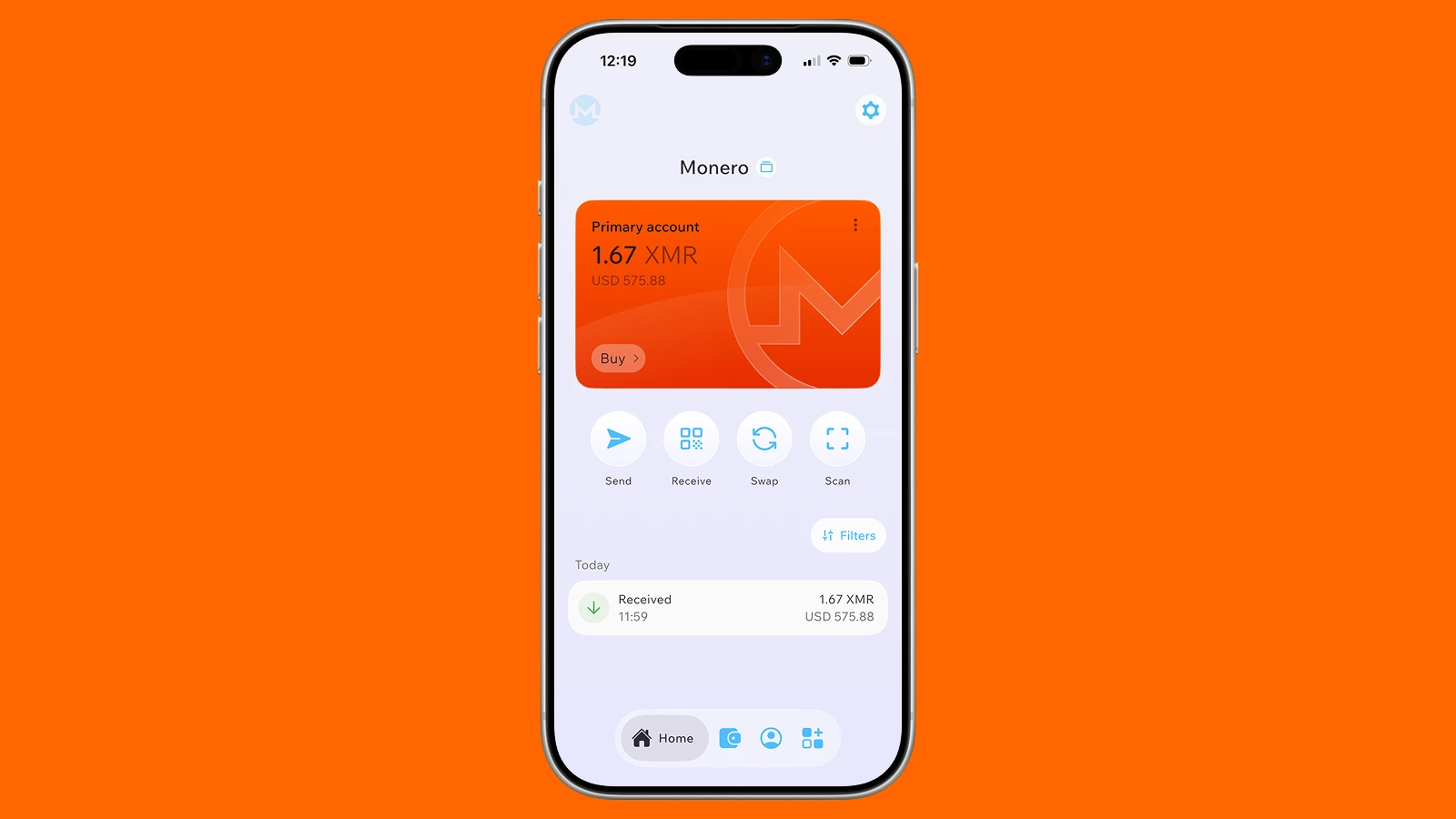
Best for: users who want strong Monero functionality on mobile without moving to a highly technical desktop setup.
Monerujo — Best Monero Wallet for Android
Monerujo is a strong Android-only option for users who want a dedicated Monero wallet with local blockchain scanning and support for custom nodes.
Monerujo is open source and appears on Monero’s official third-party wallet list under local synchronization. That means the wallet connects to a remote node but scans the blockchain on the user’s device instead of sending a private view key to a remote scanning server.
The wallet also supports using your own Monero daemon, which gives advanced users more control over where blockchain data comes from. Its GitHub documentation explicitly notes that users can point Monerujo to their own daemon rather than relying on a default public node.
Hardware-wallet support is another advantage. Monero’s official wallet directory lists Monerujo as compatible with Ledger Nano S, Nano S Plus, and Nano X for managing XMR.
The main limitation is straightforward: Monerujo is built for Android, so users who want the same wallet across desktop and mobile will need another option.
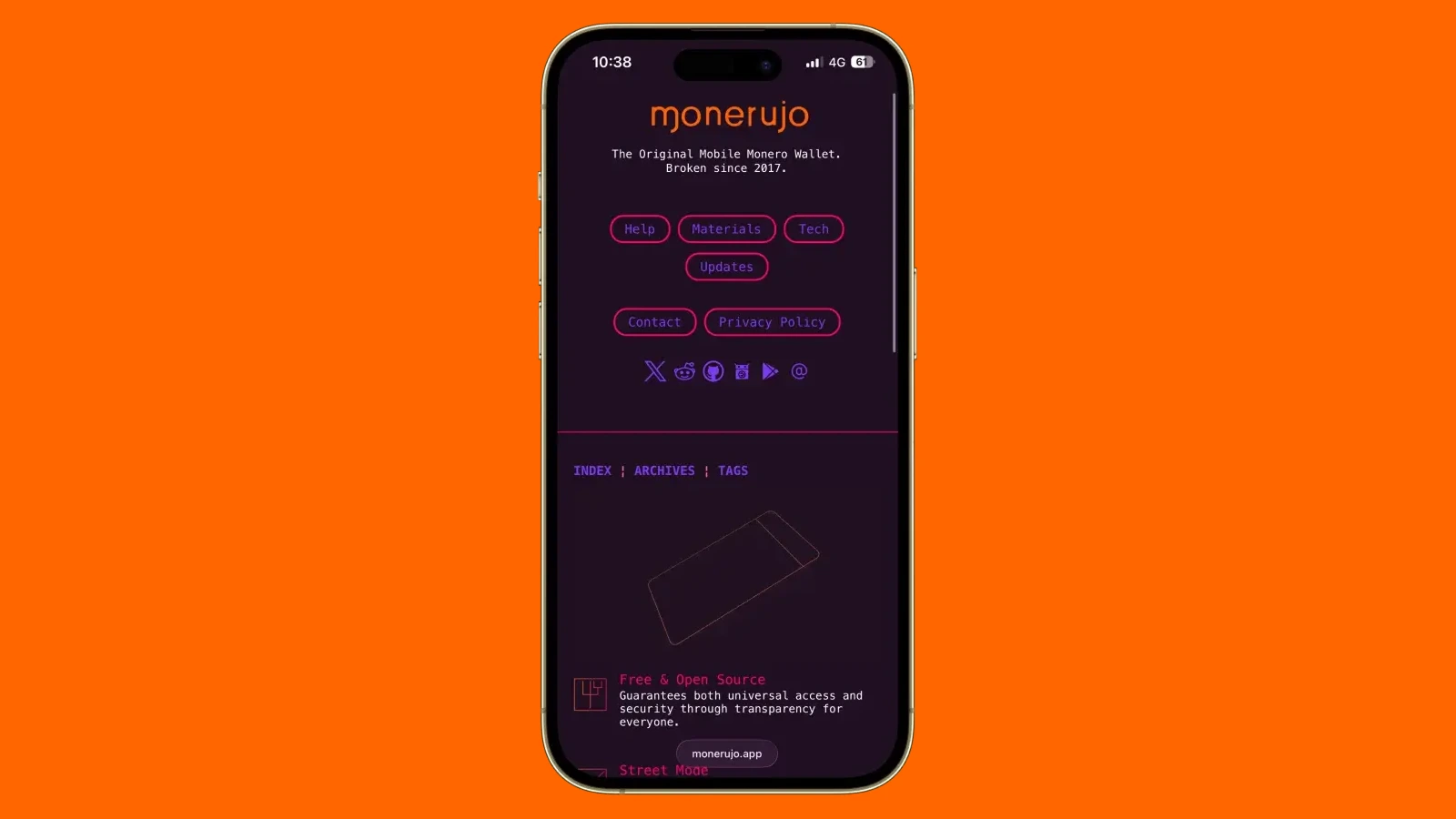
Best for: Android users who want an XMR-focused wallet with local scanning, custom-node support, and Ledger compatibility.
Ledger + Monero GUI or Feather — Best Hardware Setup for XMR
A Ledger device paired with Monero GUI or Feather is one of the strongest ways to separate XMR transaction signing from an internet-connected computer.
The important distinction is that Ledger does not manage Monero directly through Ledger Wallet in the same way it handles assets such as Bitcoin or Ethereum. Ledger’s current documentation states that XMR must be managed through a compatible third-party wallet, with the hardware device protecting the private keys and signing transactions.
For Monero, the official project currently lists Ledger Nano S, Nano S Plus, and Nano X as supported hardware devices. Compatible software includes Monero GUI, Monero CLI, Cake Wallet, Feather, and Monerujo.
That setup gives users two separate layers:
- Hardware device — keeps the private signing keys isolated and approves outgoing transactions
- Monero wallet software — handles balances, addresses, blockchain scanning, node connections, and transaction construction
This distinction matters because using a hardware wallet does not automatically improve network privacy. If the companion wallet connects through a public remote node, the same node-related metadata considerations still apply. Users who want both hardware signing and greater network control can combine Ledger with Monero GUI or Feather and connect through their own node.
Best for: users holding a personally significant amount of XMR who want hardware-based signing without giving up access to Monero-specific wallet and node controls.
What Actually Makes a Monero Wallet Private?
Monero protects transaction data on-chain, but wallet privacy also depends on how the wallet scans the blockchain and connects to the network.
This is the part many generic wallet comparisons miss. Two wallets can both support XMR while exposing different amounts of metadata outside the blockchain itself.
The main distinction is where blockchain scanning happens:
Monero’s official wallet directory explicitly separates local synchronization from lightweight remote synchronization. Wallets such as Feather, Cake Wallet, and Monerujo scan blockchain data locally without sharing a private key with the remote node, while lightweight wallets can trade some privacy for faster synchronization.
Using your own node removes another third party from the setup, but it is not mandatory for using Monero privately. For many users, a wallet with local scanning and a trusted remote node offers a more practical balance between privacy and synchronization time.
Network routing matters too. A wallet with Tor support can reduce exposure of your IP address when connecting to remote infrastructure, while hardware wallets address a different problem entirely: they isolate transaction signing but do not automatically hide network metadata.
The takeaway is simple: “supports Monero” and “offers the same Monero privacy setup” are not the same thing.
How to Choose the Best Monero Wallet
Choose an XMR wallet based on the level of node control, device support, and portfolio flexibility you actually need rather than chasing the longest feature list.
Four questions narrow the choice quickly:
- Do you want to run your own node? — Monero GUI is the clearest fit if maximum infrastructure control matters; Feather can also connect to a local node
- Do you mainly use mobile or desktop? — Cake is better suited to mobile-first use, Feather to desktop, and Monerujo specifically to Android
- Do you want hardware signing? — Use a compatible Ledger or Trezor with software such as Monero GUI or Feather rather than treating the hardware device as a complete XMR wallet by itself
- Is XMR your main asset or part of a larger portfolio? — Dedicated Monero wallets provide deeper XMR-specific controls, while Atomic is more convenient when Monero sits alongside BTC, ETH, and other assets
Receiving habits matter as well. Monero’s official documentation recommends using subaddresses by default rather than repeatedly sharing the same main address. A fresh subaddress can make it harder for the same payer or service to link multiple payments to the same recipient.
That makes subaddress support more than a minor feature checkbox. For regular XMR use, it should be part of the wallet-selection criteria alongside self-custody, node options, local scanning, and recovery.
Monero Wallet Security: What to Check Before You Use One
A secure Monero setup starts before you send any XMR: verify the wallet source, understand how it connects to the network, and make sure you can recover it independently.
A few checks matter more than a long generic security checklist:
- Download from the official source — Fake wallet installers can steal seeds or replace receiving addresses
- Verify releases when possible — The Monero Project strongly recommends checking downloaded GUI/CLI files against its signed hashes rather than trusting the filename alone.
- Back up the recovery seed offline — Anyone with the seed can restore and spend the wallet
- Know how the wallet syncs — Local synchronization keeps blockchain scanning on your device, while lightweight wallets may share a private view key with a remote server.
- Understand the node connection — A public remote node is convenient, but it introduces another party into the network path; your own or trusted node gives you more control
- Use subaddresses for receiving — Reusing one address unnecessarily makes it easier for the same payer or service to connect multiple payments
- Test recovery before storing significant funds — A backup is only useful if the wallet can actually be restored from it
Hardware wallets solve a narrower problem. They can keep signing keys away from an internet-connected computer, but they do not replace the companion Monero wallet or determine how that wallet reaches the network. Ledger, for example, requires a compatible third-party wallet to manage XMR.
For the official Monero GUI, download verification deserves particular attention. The project publishes SHA-256 hashes as well as a GPG-signed canonical hash list and explicitly warns users not to underestimate verification because a modified archive could lead to lost funds.
Ready to manage XMR alongside your other crypto? Get Atomic Wallet to store, send, receive, and swap Monero from one self-custody wallet.