Best Solana Wallets in 2026: Top SOL Wallets Compared
.webp)
The best Solana wallet depends on how you use SOL — for everyday transfers, staking, DeFi, trading, or long-term storage.
A Solana wallet does more than manage SOL. It can also hold SPL tokens, sign transactions, connect to dApps, stake SOL, and interact with the wider Solana ecosystem.
Solana-native wallets such as Phantom, Solflare, and Backpack offer deeper ecosystem access, while Atomic Wallet and MetaMask are better suited to users managing SOL alongside assets on other networks.
Solana is getting busier and faster. The Solana Foundation reported a record 216 million non-vote transactions in a single day in August 2026, while target slot times dropped to 250 ms in September.
Best Solana Wallets in 2026: Quick Comparison
The top Solana wallets serve different use cases, so the best choice comes down to how actively you use the network and what you need from the wallet.
Atomic Wallet makes sense when SOL is part of a broader crypto portfolio. Phantom is a strong everyday gateway to Solana, Solflare goes deeper on staking, and Backpack targets more active users. For long-term holdings, Ledger Flexmoves the priority toward hardware-secured keys.
How We Chose the Best Solana Wallets
A strong Solana wallet needs to do more than hold SOL — it should make signing, staking, dApp access, and everyday asset management clear and secure.
We compared wallets across the factors that matter most on Solana:
- Self-custody — Who controls the private keys and recovery phrase
- Transaction security — What users can review before signing and how risky transactions are handled
- Staking — Native or liquid staking support, validator options, and ease of use
- Solana ecosystem access — SPL tokens, dApps, swaps, NFTs, and other on-chain activity
- Hardware support — Whether keys can be kept behind a hardware signer
- Platforms and UX — Mobile, desktop, browser access, and day-to-day usability
- Track record — Product maturity, active development, and documentation
No wallet scores equally well everywhere. Solana-native wallets usually offer deeper ecosystem tools, while multichain and hardware wallets solve different problems.
Atomic Wallet — Best All-in-One Solana Wallet
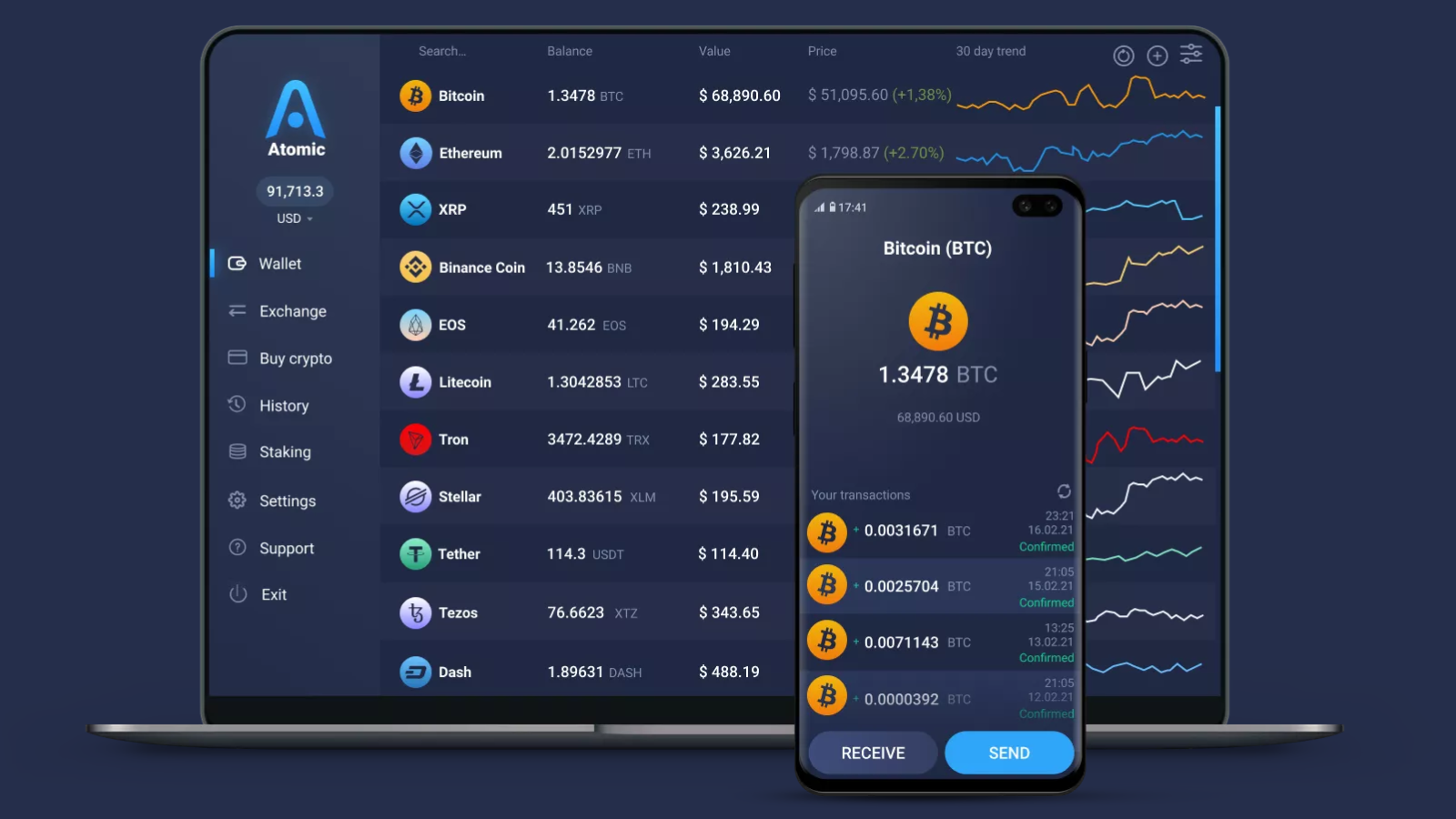
Atomic Wallet fits users who want to hold, send, swap, and stake SOL without managing a separate wallet for every blockchain.
Atomic is self-custodial, with private keys encrypted locally on the user’s device, and supports SOL alongside more than 1,000 other coins and tokens. Built-in swaps and SOL staking make it particularly useful when Solana is part of a broader portfolio rather than the user’s only ecosystem.
SOL can be staked directly inside Atomic Wallet. Following Solana’s 2026 staking update, each new delegation requires at least 1 SOL, and users should keep a small amount unstaked to cover network fees.
Best for: Managing SOL alongside a wider multichain portfolio
Main trade-off: Atomic offers fewer Solana-native dApp and trading tools than wallets such as Phantom, Solflare, or Backpack
Phantom — Best Solana Wallet for Everyday Use
Phantom is a strong everyday Solana wallet for users who regularly move SOL, connect to dApps, swap tokens, and stake from the same interface.
Its biggest advantage is how deeply it is integrated into the Solana ecosystem. Phantom supports native and liquid SOL staking, with native staking letting users choose a validator and liquid staking providing PSOL that can remain usable in supported DeFi apps.
Phantom also puts more emphasis than many generic wallets on the moment a transaction is signed. It simulates transactions before confirmation and can show warnings when a dApp interaction cannot be safely previewed or looks suspicious.
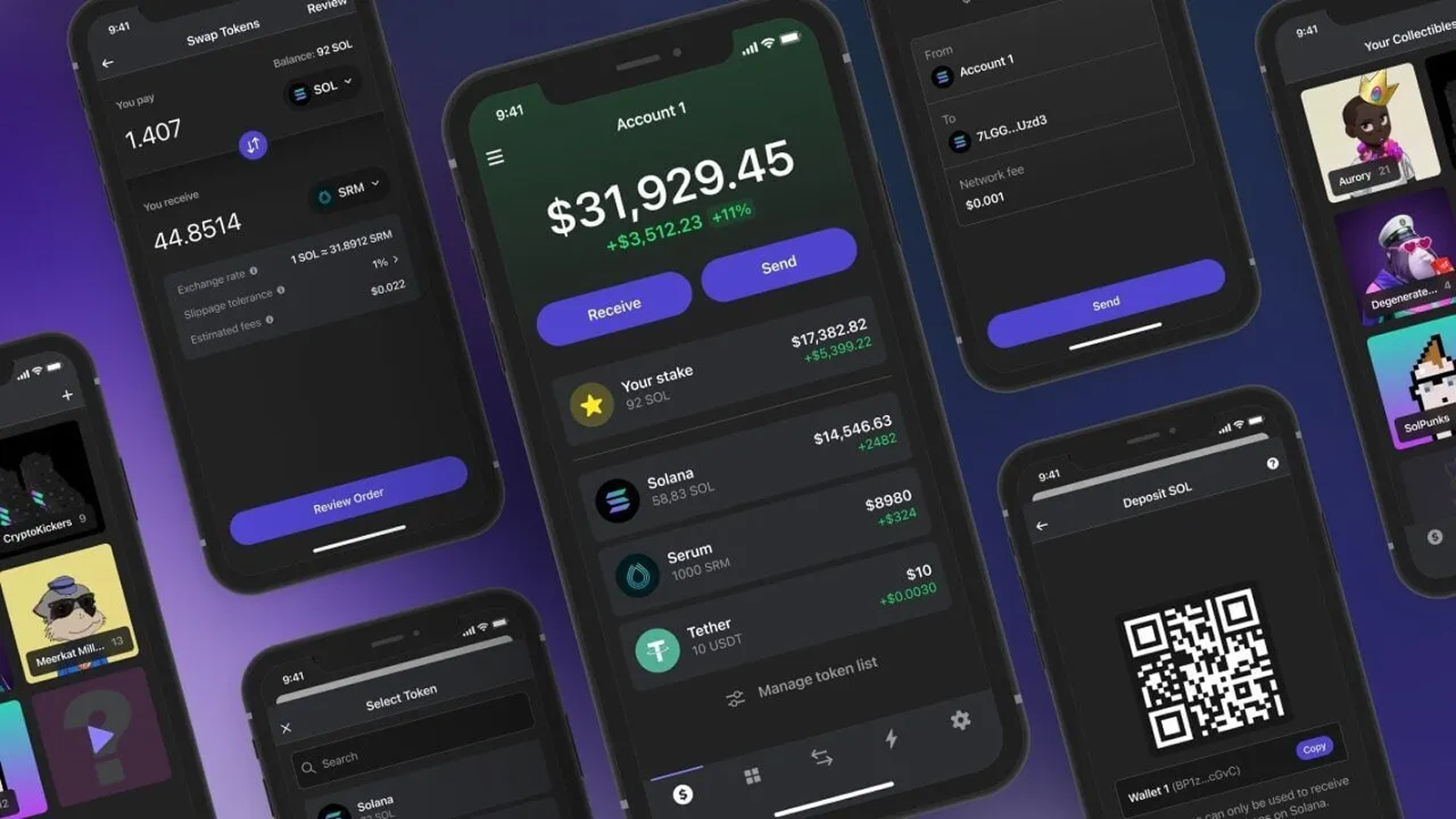
Best for: Everyday Solana use, dApps, swaps, and staking
Main trade-off: Users focused mainly on deeper validator control or more specialized Solana tooling may prefer Solflare
Solflare — Best Solana Wallet for Staking
Solflare stands out for users who want deeper control over SOL staking without leaving a Solana-native wallet.
It supports both native and liquid staking. With native staking, users can choose a validator directly and review details such as validator performance and expected returns before delegating. New native stake accounts currently require at least 1 SOL.
Solflare also now offers Solflare Shield, an NFC tap-to-sign hardware wallet card that keeps private keys in a secure chip while working through the mobile app. That gives users a hardware-secured option without moving to a separate wallet ecosystem.
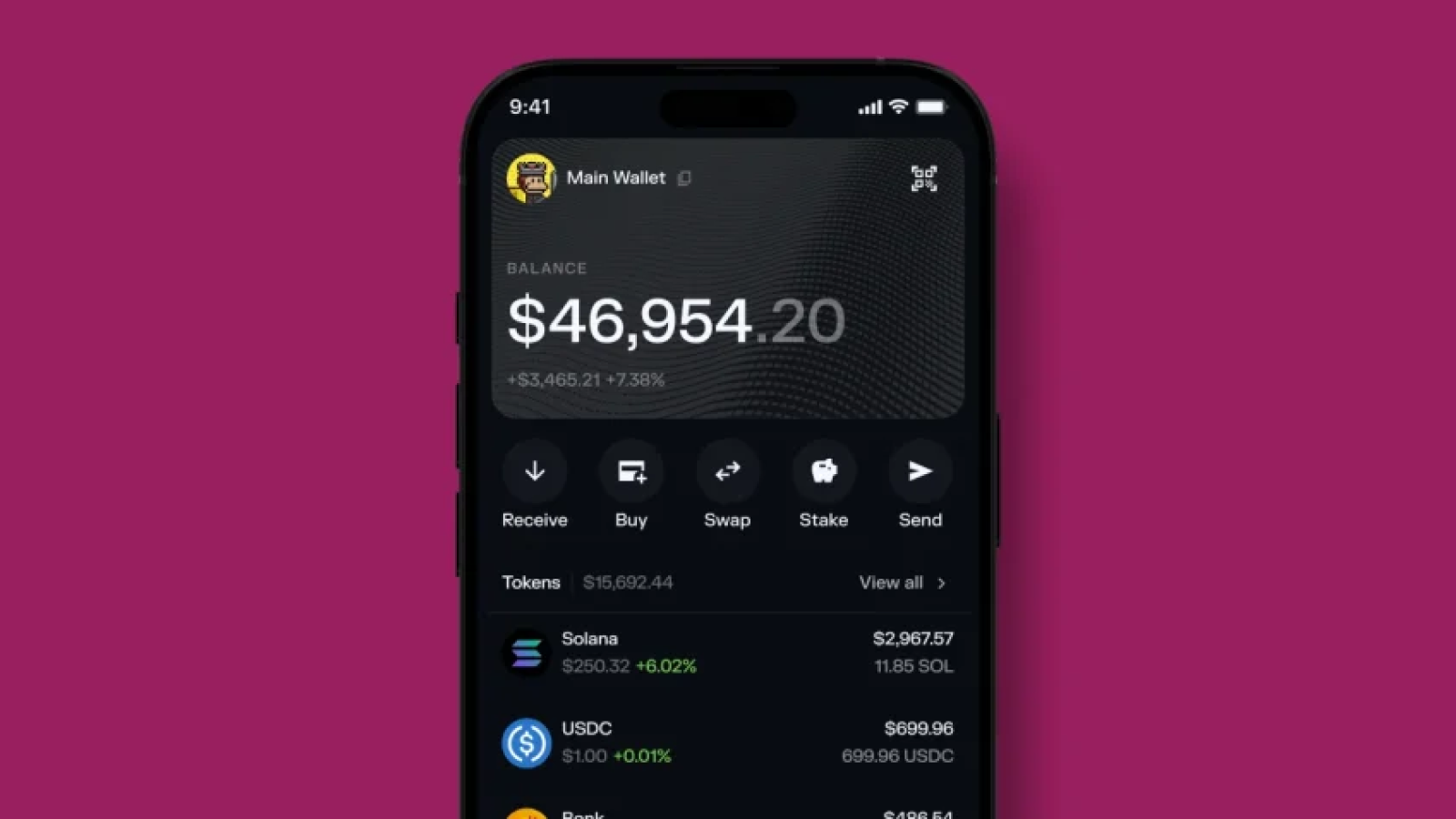
Best for: SOL staking and users who want deeper Solana-native controls
Main trade-off: Its strongest features are centered on Solana, so it is less suitable as a single wallet for a broad multichain portfolio
Backpack — Best Solana Wallet for Power Users
Backpack is built for active Solana users who want staking, NFTs, hardware wallet support, and more advanced security controls in one wallet.
It supports both native and liquid SOL staking, swaps, NFT management, and connections to Solana dApps. Backpack also supports Ledger, Trezor, and Keystone hardware wallets, plus multisig protection for users who want stronger controls over valuable accounts.support.backpack.exchange)
This broader feature set makes Backpack particularly useful for users who do more than simply hold SOL, but it also creates a busier experience than simpler wallets.
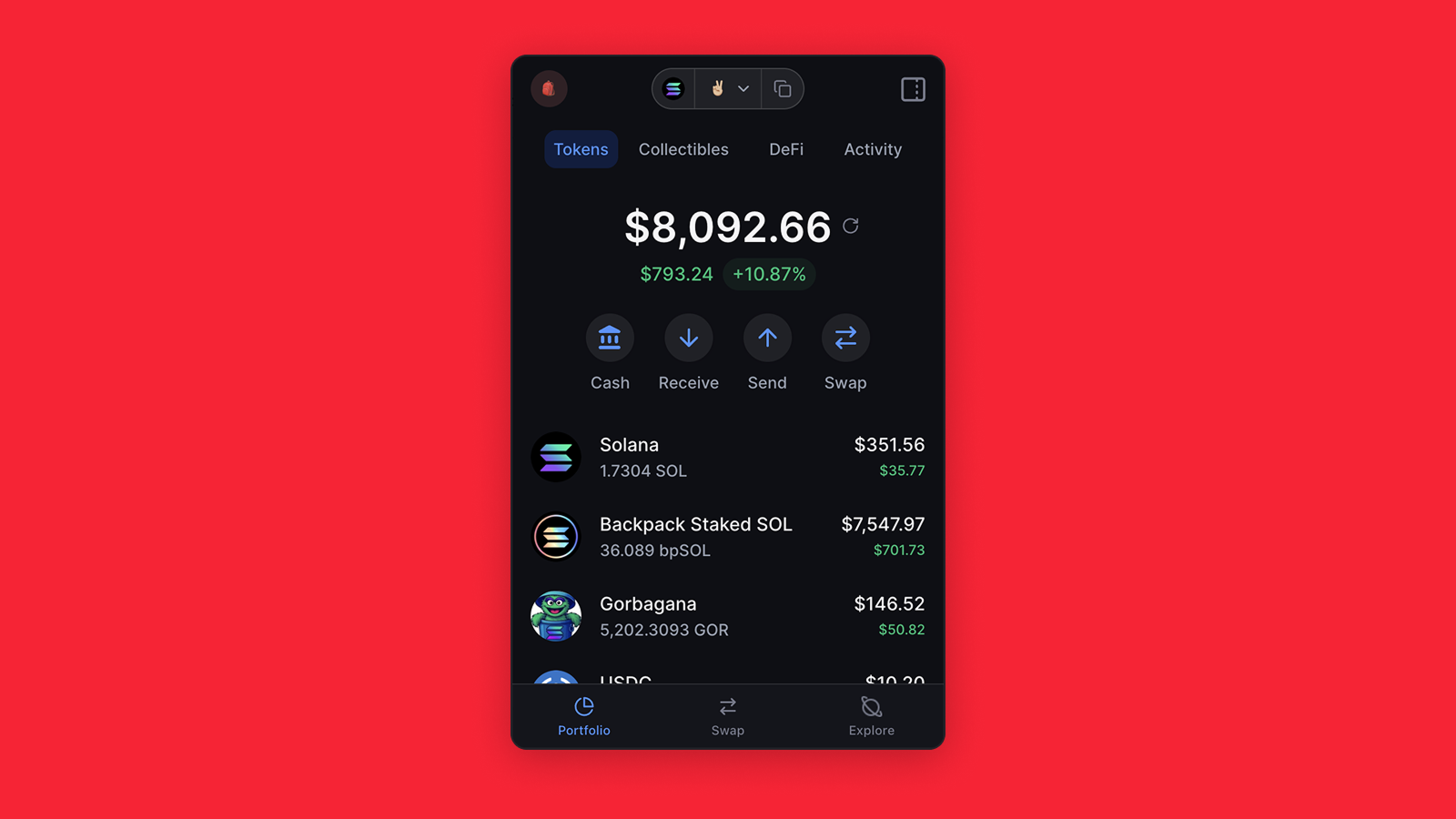
Best for: Active Solana users, staking, NFTs, and advanced wallet setups
Main trade-off: More features and controls than casual SOL holders are likely to need
Ledger Flex — Best Hardware Wallet for Solana
Ledger Flex is designed for users who want to keep Solana private keys offline while still being able to send, stake, and interact with the ecosystem when needed.
Transactions are approved on the Ledger device itself, with the secure touchscreen used to review details before signing. SOL can also be staked through Ledger Wallet, while Ledger can connect to software wallets such as Phantom for broader access to Solana apps.
That makes Ledger useful as a security layer rather than a replacement for every Solana interface. Users can keep keys hardware-secured while choosing compatible software wallets for more active on-chain use.
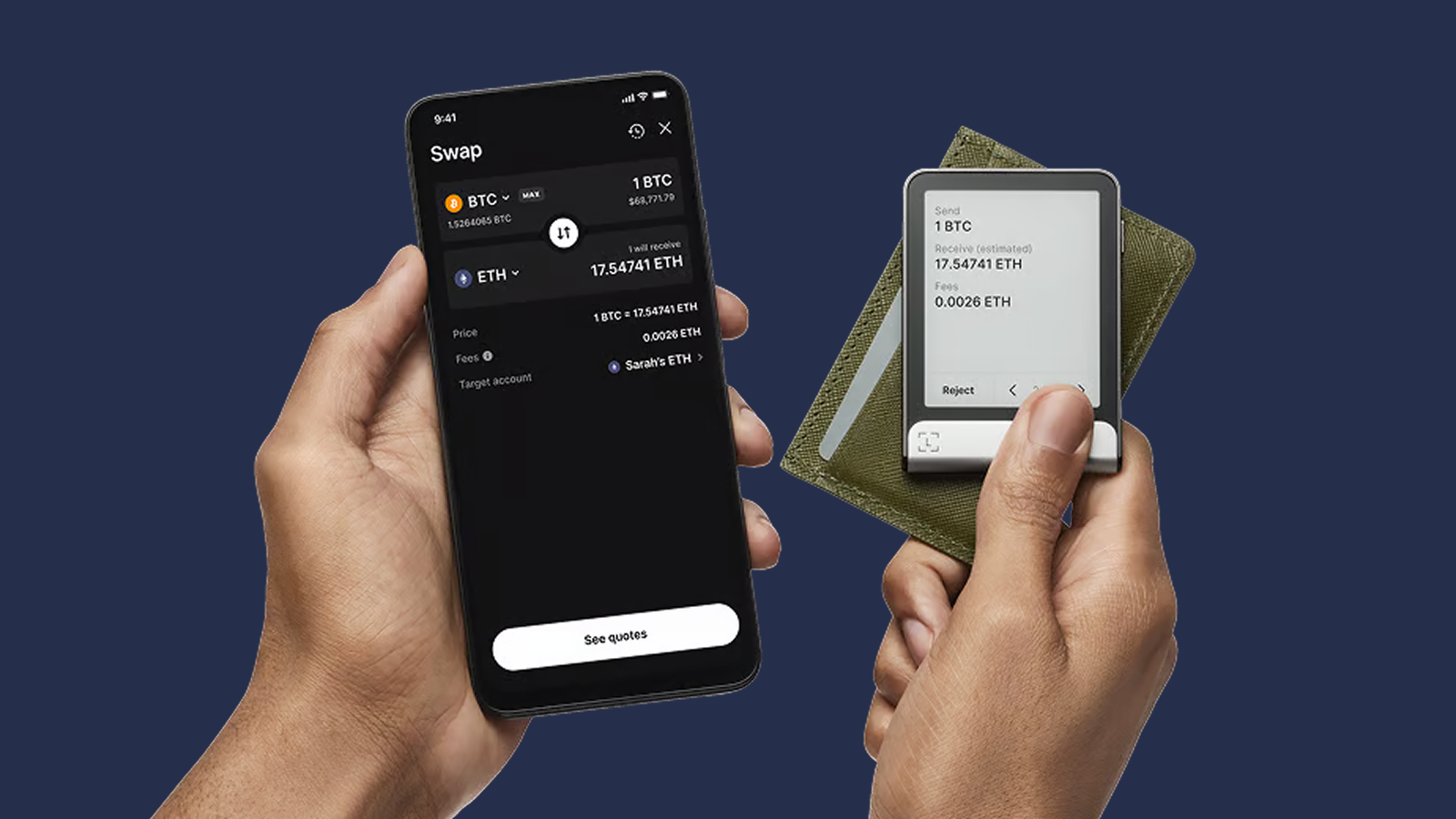
Best for: Larger SOL balances, long-term storage, and hardware-secured signing
Main trade-off: Physical confirmation adds extra steps compared with a software-only wallet
MetaMask — Best for Multichain DeFi Users
MetaMask is a strong fit for users who already manage assets across multiple ecosystems and now want native access to Solana without switching to a separate wallet.
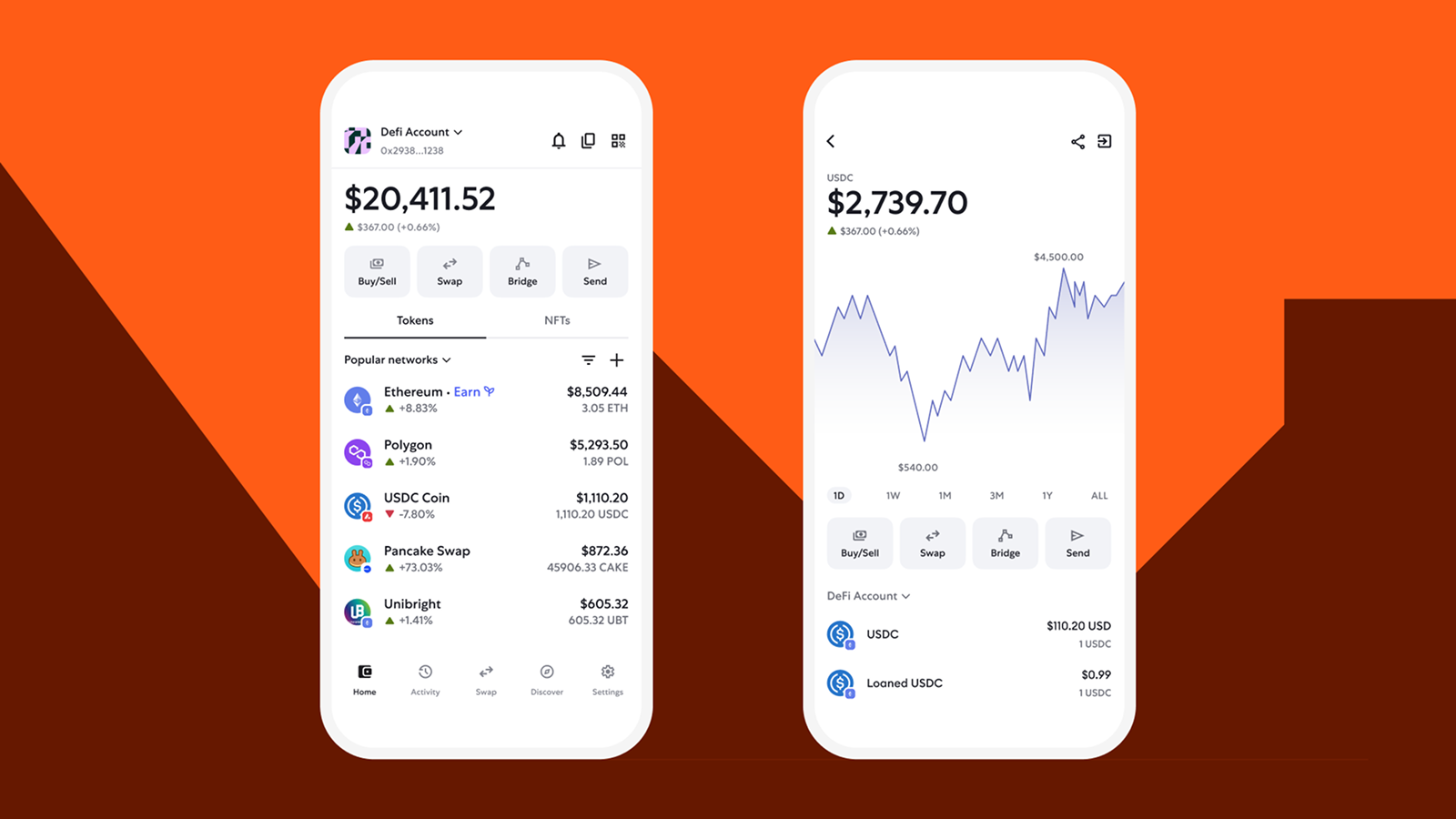
MetaMask added native Solana support in 2025, so users can manage SOL and SPL tokens, connect to Solana dApps, and use the same wallet alongside Ethereum and other supported networks. (metamask.io)
Its biggest advantage is continuity for existing MetaMask users. The trade-off is depth: Solana-native wallets such as Phantom, Solflare, and Backpack still offer more specialized tooling for staking, trading, and ecosystem-specific workflows.
Best for: Multichain DeFi users who already use MetaMask
Main trade-off: Less Solana-focused than native wallets
How to Choose the Best Solana Wallet
Choose a Solana wallet based on what you actually do on-chain, not just which app supports SOL.
- Mostly holding and sending SOL — A simple self-custody wallet such as Atomic Wallet may be enough
- Daily dApp use — Phantom is a strong fit for swaps, DeFi, and general Solana activity
- Staking focus — Solflare offers deeper native staking controls
- Trading and NFTs — Backpack is better suited to more active users
- Long-term storage — Ledger Flex adds hardware-secured signing
- Multichain portfolio — Atomic Wallet or MetaMask can reduce the need for separate wallets
- Security-first setup — Pairing a software wallet with a hardware signer can offer a better balance of usability and key protection
The key trade-off is usually depth versus convenience. Solana-native wallets expose more ecosystem-specific features, while multichain wallets make it easier to manage SOL alongside assets on other networks.
Hot Wallet vs. Hardware Wallet for Solana
A hot wallet is better for frequent Solana activity, while a hardware wallet makes more sense when protecting larger SOL balances is the priority.
Active Solana users do not necessarily need to choose one or the other. A practical setup is to keep everyday funds in a hot wallet while protecting the larger balance with a hardware signer.
Solana Wallet Security: What to Check Before You Sign
On Solana, wallet security is not only about protecting your recovery phrase — it is also about understanding what you approve when interacting with dApps.
- Review transaction details — Check what assets will leave your wallet before signing
- Pay attention to wallet warnings — Transaction simulation can flag interactions that cannot be safely previewed or may be suspicious
- Verify the destination — A valid-looking Solana address is not necessarily a wallet address
- Use a separate wallet for unknown dApps — Keep your main holdings away from experimental or unfamiliar apps
- Consider hardware signing — A hardware wallet adds physical approval before a transaction can be signed
- Keep some SOL for fees — Every Solana transaction requires a network fee
One Solana-specific risk is easy to miss: native SOL can be sent to the wrong type of account and the transaction may still succeed. Solana’s documentation warns that SOL sent to certain token, mint, or program accounts can become unrecoverable, making recipient verification especially important.
Also, a failed transaction does not necessarily mean a free transaction. Solana currently charges its transaction fee even when execution fails.
Worth knowing: A valid Solana address is not automatically a valid SOL destination. Native SOL sent to a token, mint, or program account can be permanently locked even if the transaction succeeds.
Ready to manage SOL your way? Get Atomic Wallet to store, send, swap, and stake Solana from one self-custody wallet.