Best USDT Wallets in 2026: Top Tether Wallets Compared

The best USDT wallet depends on the network you use, how often you move Tether, and whether you prioritize everyday access, DeFi, or long-term storage.
USDT exists across multiple blockchains, so wallet support is not just about seeing “Tether” in the asset list. A wallet that works well for TRC-20 USDT may not be the best fit for Ethereum DeFi or cold storage.
For most users, the key things to compare are network support, self-custody, security, platform availability, and how easily the wallet handles USDT transfers.
USDT moved nearly $27 trillion in transaction volume in 2025. At this scale, choosing the right wallet is increasingly about network support, fees, and how you actually use Tether.
Best USDT Wallets in 2026: Quick Comparison
The strongest USDT wallets cover different use cases, from everyday multichain transfers to DeFi and hardware-secured storage.
There is no single winner for every USDT holder. Atomic Wallet fits users who want one self-custody app for USDT and other assets, TronLink is more specialized for TRC-20 activity, while Ledger Flex makes more sense when keeping private keys offline is the priority.
How We Chose the Best USDT Wallets
We compared USDT wallets by network support, custody model, security, everyday usability, and how well each option fits a real Tether use case.
The main criteria were:
- USDT network support — Which versions of Tether the wallet can actually manage
- Self-custody — Whether users control their own private keys
- Security and recovery — How keys are protected and how wallet access can be restored
- Platforms — Mobile, desktop, browser, or hardware availability
- USDT usability — Sending, receiving, swapping, and managing network fees
- Track record — Product maturity, documentation, updates, and overall reliability
We also looked at trade-offs. A wallet can be excellent for TRC-20 transfers but limited for DeFi, while a hardware wallet can offer stronger key isolation at the cost of convenience.
Atomic Wallet — Best All-in-One USDT Wallet
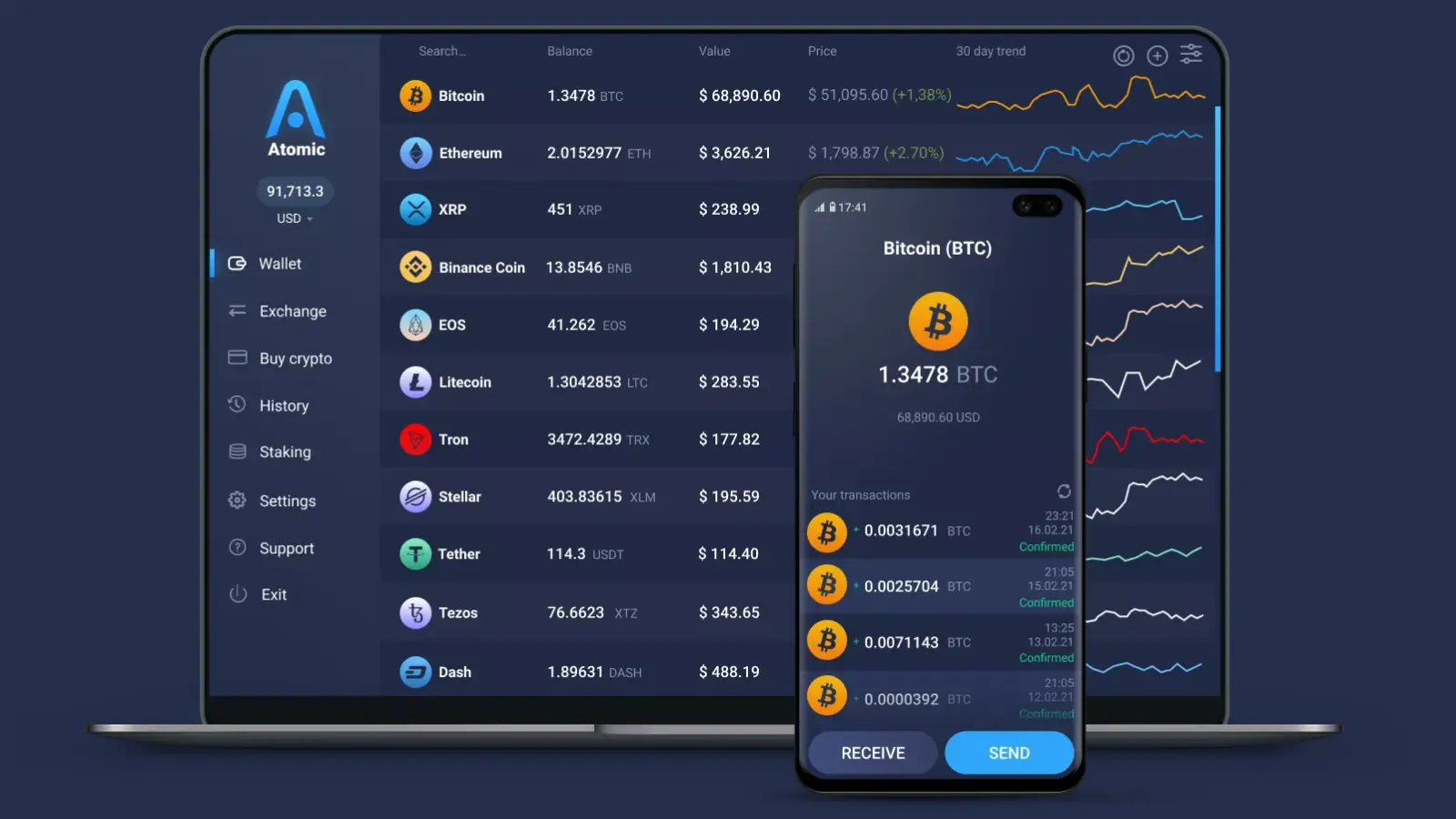
Atomic Wallet is a strong fit for users who want to manage USDT alongside other crypto assets in one self-custody wallet.
Atomic is available on desktop and mobile, keeps private keys and the recovery phrase under the user’s control, and supports USDT on the TRON network. Built-in swaps also make it possible to manage and exchange assets without moving between several separate wallet apps.
For TRC-20 USDT, users need TRX in the wallet to cover network fees. The same principle applies on other networks: USDT cannot itself pay the blockchain fee, so the native network asset is required.
Best for: Everyday self-custody USDT management across desktop and mobile
Main trade-off: It is less specialized than a dedicated TRON wallet for advanced TRON activity and does not provide the offline key isolation of a hardware wallet
Trust Wallet — Best Mobile USDT Wallet
Trust Wallet is a strong choice for users who mainly manage USDT on mobile and want broad multichain support in a self-custody wallet.
Trust Wallet supports sending, receiving, buying, selling, and swapping USDT while keeping private keys under the user’s control. It is available on iOS and Android, with a browser extension for desktop users.
Its main advantage is convenience: users can manage Tether alongside other assets without switching between separate wallets for everyday transfers and Web3 activity.
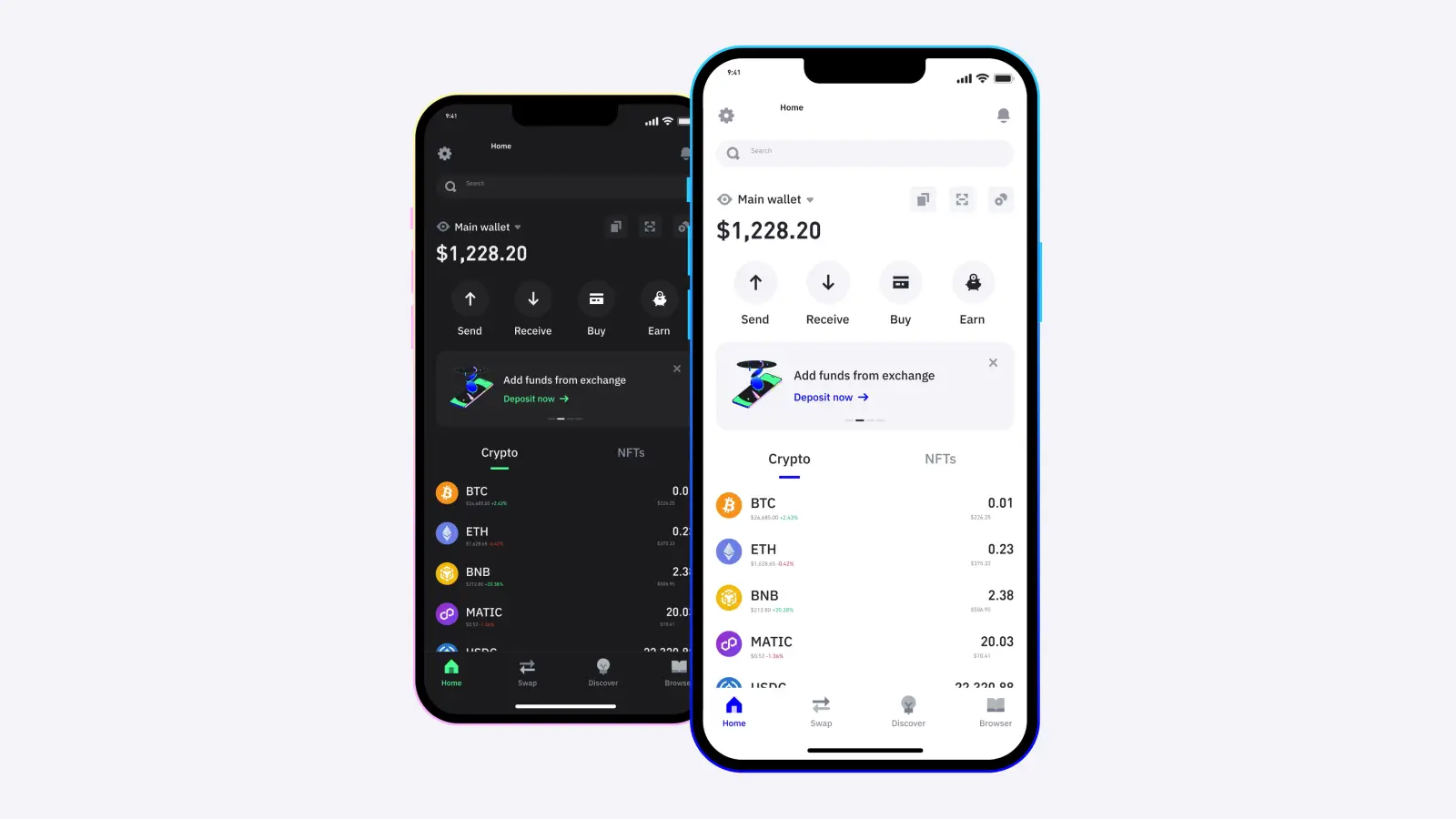
Best for: Mobile-first users who hold USDT across multiple networks
Main trade-off: The experience is still centered on mobile, so users who primarily manage crypto from a desktop may prefer a more desktop-focused wallet
MetaMask — Best USDT Wallet for DeFi
MetaMask is best suited to users who actively use USDT across DeFi, swaps, and multiple blockchain ecosystems.
MetaMask now supports TRON natively alongside Ethereum, Solana, and other networks. TRON support was added in January 2026, allowing users to manage TRX and TRC-20 tokens such as USDT directly inside MetaMask rather than relying on a separate TRON wallet.
For TRC-20 USDT, sending transactions requires Energy as well as Bandwidth. If the account does not have enough network resources, TRX is used to cover the cost.
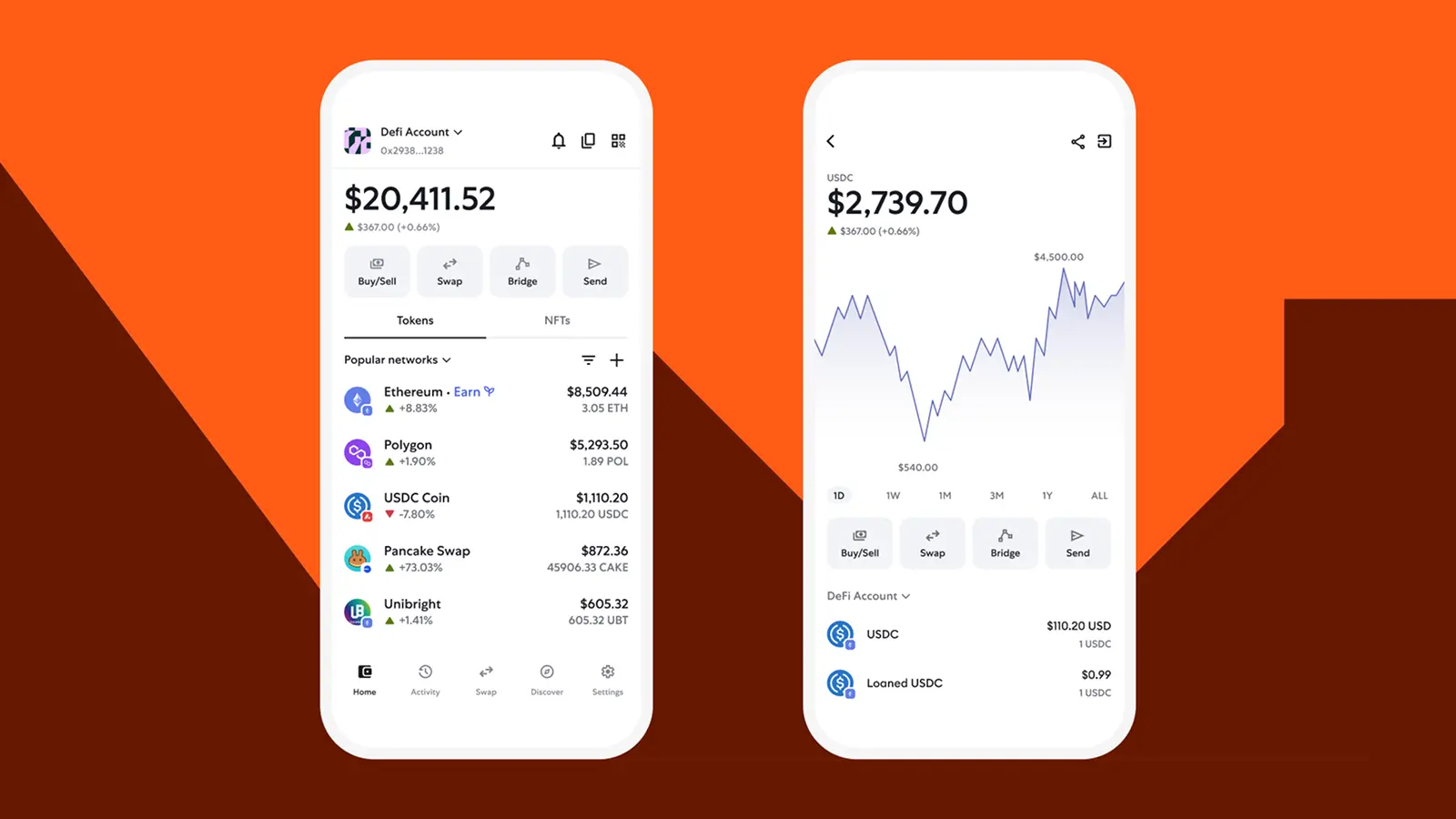
Best for: DeFi users who want USDT access across Ethereum, TRON, and other supported networks
Main trade-off: Its broader DeFi and multichain feature set can feel unnecessarily complex for users who only want to hold and transfer USDT
Ledger Flex — Best Hardware Wallet for USDT
Ledger Flex is a strong option for larger USDT balances and long-term storage because private keys remain isolated on a hardware device.
Ledger supports USDT across Ethereum, TRON, Polygon, and other major networks through the Ledger Wallet app. Transfers are signed on the device, and transaction details can be verified on the Flex touchscreen before approval.
This setup adds friction compared with a software wallet, but that is also the point: moving USDT requires access to the physical signer rather than only a phone or computer.
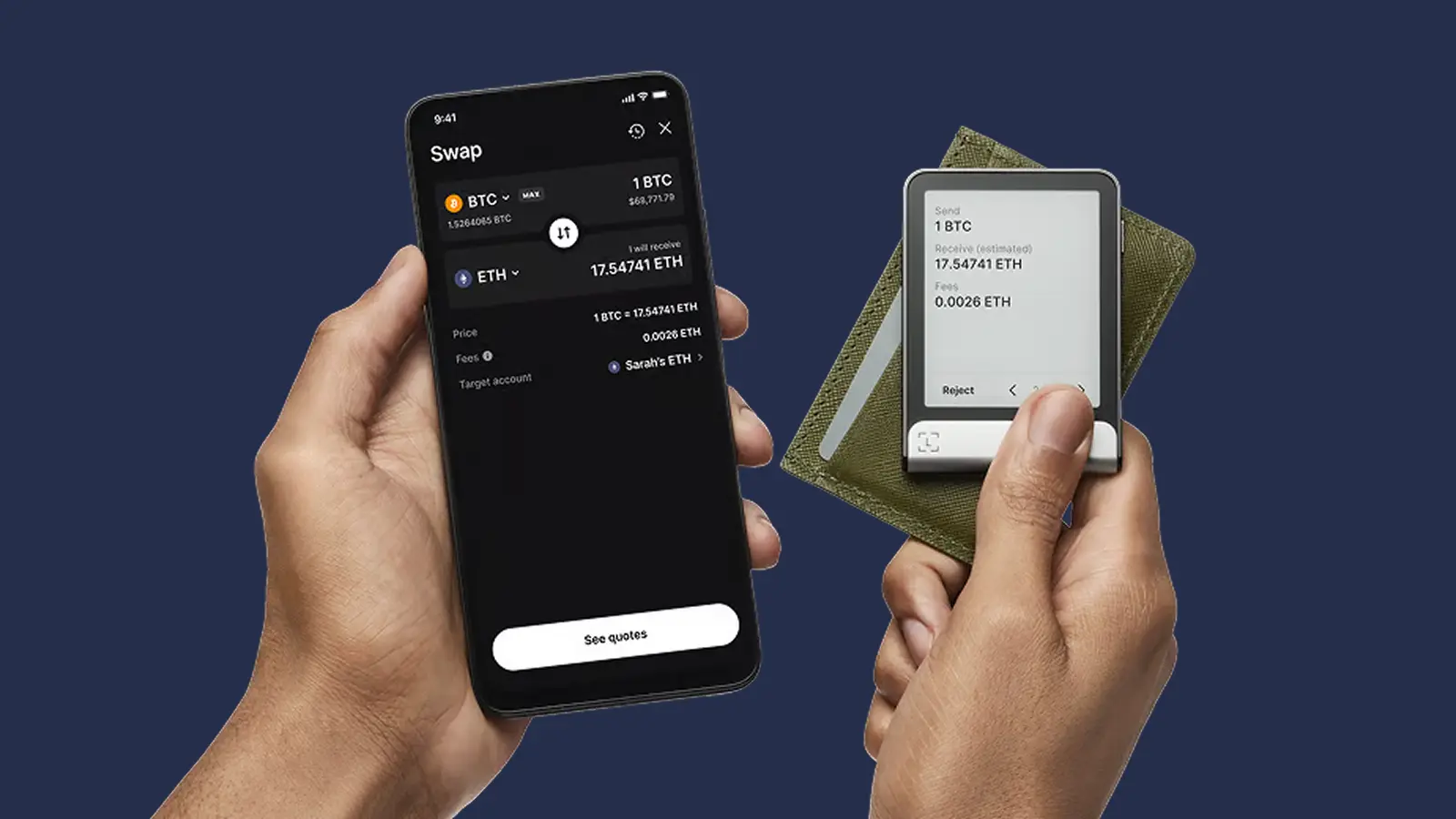
Best for: Long-term USDT storage and larger balances
Main trade-off: You need to buy and carry a hardware device, making frequent transfers less convenient
TronLink — Best Wallet for USDT TRC-20
TronLink is built around the TRON ecosystem, making it one of the most specialized options for users who primarily hold and transfer TRC-20 USDT.
It supports TRX and TRC-20 assets natively, with deeper access to TRON features such as staking, resource delegation, and DApps. TronLink is available as a mobile app and browser extension, and users retain control of their private keys.
For frequent USDT transfers, TronLink also supports TRON-specific resource management and a GasFree wallet option that can pay eligible transfer fees in the token being sent instead of requiring the standard gas flow.
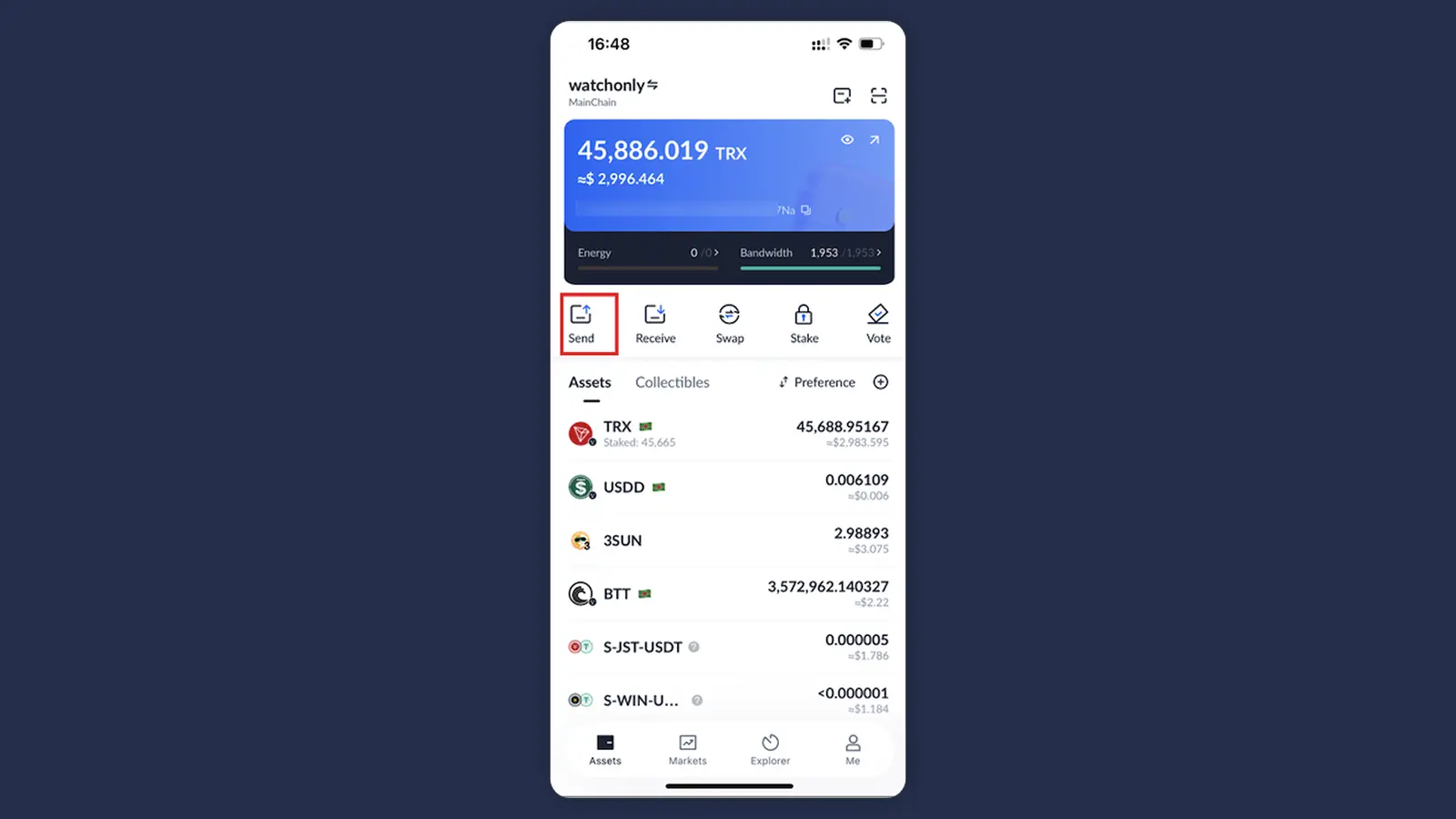
Best for: Users who mainly send, receive, and manage USDT on TRON
Main trade-off: Its biggest advantages are TRON-specific, so it is less compelling for users whose USDT activity is spread across several ecosystems
Exodus — Best Desktop USDT Wallet
Exodus is a strong option for users who want a clean desktop experience with USDT support across several major networks.
Exodus supports USDT on Ethereum, TRON, Solana, BNB Smart Chain, Arbitrum, Base, Optimism, and Avalanche C-Chain. It is self-custodial and available on desktop and mobile, making it practical for users who manage Tether alongside a broader crypto portfolio.
Its strength is simplicity rather than advanced DeFi tooling. That makes Exodus easier to navigate for regular transfers and portfolio management, but less specialized for users who spend most of their time in dApps.
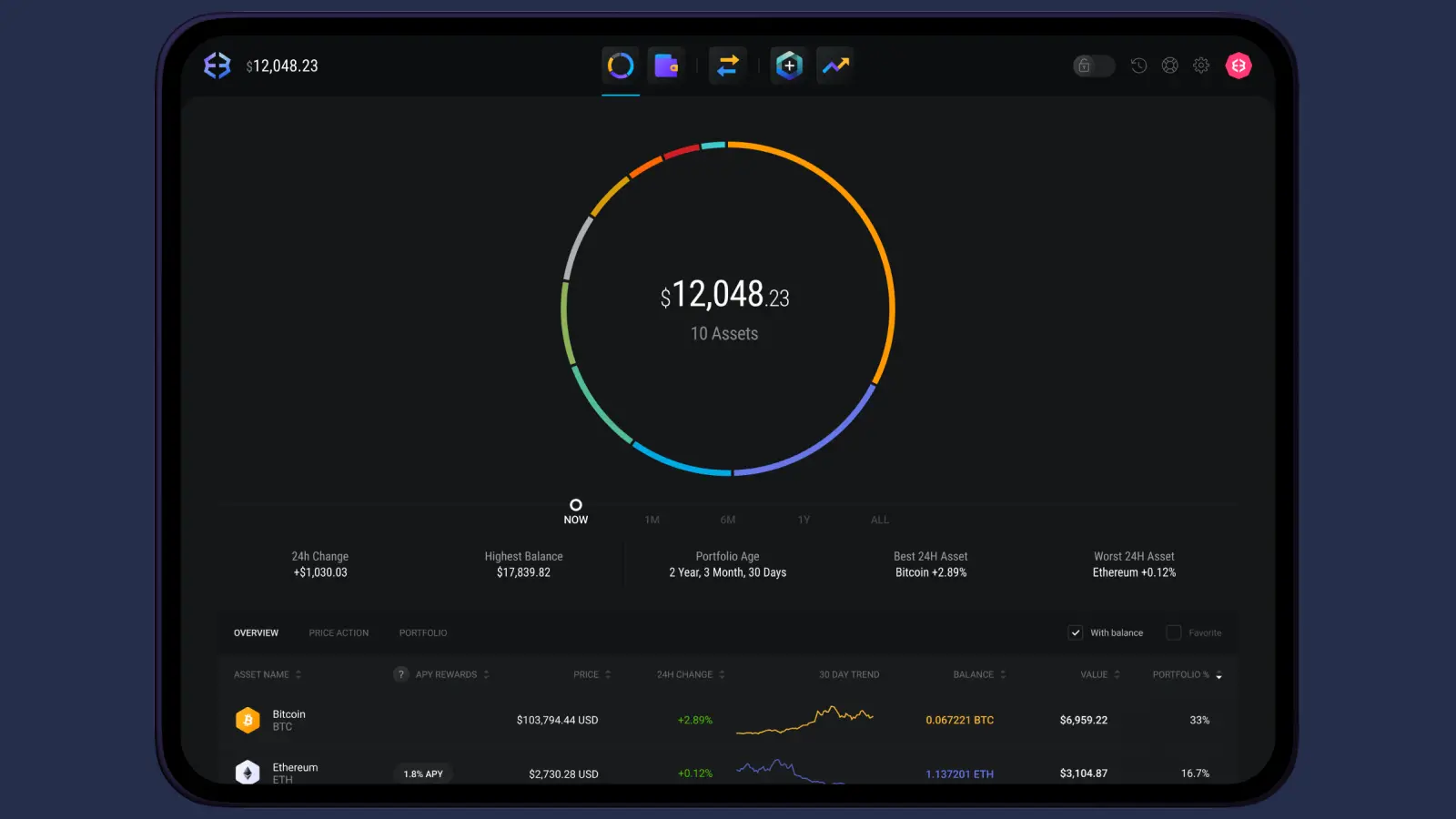
Best for: Desktop users who want straightforward multichain USDT management
Main trade-off: Less suited to advanced DeFi workflows than wallets built around dApp connectivity
Which USDT Network Should You Use?
The right USDT network depends on where you are sending Tether, which networks your wallet supports, and how you plan to use the funds.
The USDT itself may represent the same dollar-pegged asset, but TRC-20 USDT, ERC-20 USDT, and USDT on Solana are not interchangeable during a transfer. The sending and receiving platforms must support the same network. Tether currently issues USDT across TRON, Ethereum, Solana, TON, Aptos, Avalanche, and several other blockchains.
- TRON (TRC-20) — Widely used for USDT transfers and requires TRX or TRON network resources for fees
- Ethereum (ERC-20) — Strong fit for Ethereum-based DeFi and broad ecosystem compatibility, with ETH required for gas
- Solana — Useful for low-cost, high-speed transfers and Solana apps, with SOL required for fees
- Other networks — Can make sense when both the wallet and destination already support that ecosystem
Never choose a network based only on the lowest fee. Compatibility comes first: sending USDT over a network the receiving wallet or exchange does not support can make recovery difficult or impossible.
TRON currently carries more than $94 billion in USDT. That scale helps explain why TRC-20 support is a major factor when choosing a Tether wallet, not just a secondary feature.
USDT Networks Compared: Fees, Speed, and Gas Tokens
USDT behaves differently depending on the blockchain: the network determines transaction costs, confirmation speed, and which native asset you need to pay fees.
A USDT balance alone is not always enough to make a transfer. Ethereum transactions require ETH for gas, while Solana transactions normally require SOL. On TRON, TRC-20 transfers consume Bandwidth and Energy; if the account lacks enough resources, TRX can be burned to cover the cost.
The network also has to match at both ends. USDT sent over TRON cannot simply be deposited to an Ethereum-only USDT address, even though both tokens represent USD₮. Tether currently supports USDT across multiple protocols, including Ethereum, TRON, Solana, BNB Smart Chain, TON, Avalanche, and Aptos.
Hot Wallet vs. Cold Wallet for USDT
Hot wallets are better for USDT you move regularly, while cold wallets make more sense when stronger key isolation matters more than instant access.
For many USDT holders, the practical setup is not choosing one or the other. A hot wallet can hold the amount needed for regular transfers, while the larger balance stays behind hardware-secured keys.
The network still matters with cold storage. A hardware wallet does not remove blockchain fees or compatibility requirements: you still need to use a supported USDT network and have the appropriate native asset available when making a transfer.
USDT Wallet Safety: Mistakes to Avoid
The biggest USDT risks usually come from sending on the wrong network, approving malicious transactions, or exposing wallet credentials rather than from Tether itself.
- Using the wrong network — Confirm that both sender and receiver support the same USDT network
- Running out of gas — Keep enough TRX, ETH, SOL, BNB, or another native asset available for transaction fees
- Copying the wrong address — Recheck the first and last characters after pasting
- Using fake USDT tokens — Verify the token contract when adding USDT manually to a wallet
- Approving unknown contracts — Malicious approvals can give a dApp permission to move tokens
- Sharing a recovery phrase — Never enter it into websites, forms, support chats, or unsolicited apps
- Ignoring test transfers — For a new address or large amount, send a small transaction first
USDT transfers are usually straightforward once the network