What Is the Safest Crypto Wallet? Compare Security and Risks
A properly configured hardware wallet is generally the safest choice for long-term crypto storage because it keeps private keys isolated from an internet-connected phone or computer. For larger holdings or shared control, a carefully managed multisig setup can add protection by requiring more than one signature to move funds.
The right choice also depends on how you use your crypto. Holding Bitcoin for years, making regular transfers, and interacting with unfamiliar dApps expose you to different risks. Key protection matters, but so do transaction verification, recovery, and the security of your backups.
The scale of personal wallet theft makes these choices consequential. Chainalysis estimated 158,000 personal wallet compromise incidents affecting at least 80,000 people in 2025, with $713 million stolen from individual victims. These are lower-bound estimates across different attack methods, not a measure of any one wallet’s safety.
This guide compares crypto wallets, explains their security trade-offs, and helps you choose a setup you can use and recover confidently.
What Is the Safest Crypto Wallet?
The safest crypto wallet for you is one that protects against your main risks while giving you a reliable way to verify transactions and recover access.
For long-term storage, hardware wallets offer an important advantage: transactions are signed on a dedicated device, keeping the signing keys separate from the computer or phone preparing the transfer. A trusted device screen also lets you check supported transaction details before confirming.
For everyday transfers, swaps, or staking, a software wallet can provide convenient access. Its security depends more directly on the device running it, the application itself, and how you protect your recovery information.
Different uses call for different priorities:
- Long-term holdings — Prioritize hardware key isolation, clear transaction verification, and a protected backup
- Everyday activity — Use a maintained wallet on a protected device and limit the balance exposed to frequent transactions
- Experimental dApps — Keep a separate wallet so risky approvals do not involve your main holdings
- Large or shared holdings — Consider multisig if you can manage independent signers and recovery correctly
Even strong key protection has limits. Someone who obtains your recovery phrase may be able to restore the wallet elsewhere, while a malicious approval can authorize losses without exposing the key. Keeping these risks separate makes wallet comparisons much more useful.
What Makes a Crypto Wallet Secure?
A secure crypto wallet protects your signing keys, helps you verify what you authorize, and provides a recovery process you can use without exposing your funds.
These protections address different problems. Key isolation limits exposure to malware. Transaction verification helps you catch an incorrect destination or dangerous permission. A reliable backup protects against losing access when a device breaks or disappears.
When comparing wallets, examine the following:
- Control over funds — Understand whether you control the signing credentials yourself or depend on a provider to authorize transactions or restore access
- Key generation and storage — Check how the wallet creates its keys and whether they remain on a dedicated signing device or a general-purpose phone or computer
- Transaction verification — Look for readable addresses, amounts, and supported contract actions before approval, including verification on a hardware wallet’s own screen
- Recovery — Identify exactly what you need to restore access: recovery words, backup shares, physical cards, or participation from a service
- Software transparency — Consider published code, independent security reviews, and whether the software you install can be checked against its published source
- Maintenance and incident response — Review security updates, disclosed vulnerabilities, their impact, and how the provider addressed them
A secure chip, open-source firmware, or air-gapped connection describes one part of a wallet’s design. None of these features independently establishes that the entire product is the most secure crypto wallet.
The backup deserves particular attention. For example, BitBox’s microSD backup is not encrypted with the device password. Someone who obtains it could restore the wallet, which is why it needs protection comparable to a recovery phrase.
Secure Crypto Wallets Compared
Hardware wallets provide dedicated key protection, while software wallets offer direct access on your everyday device. Their recovery methods and transaction checks determine how those designs work in practice.
The comparison below uses specific hardware models so that features are not incorrectly applied across an entire brand.
These events differ in cause, impact, and resolution. Assess those details alongside the features rather than treating either a specification sheet or an incident count as a complete security verdict.
Hardware Wallets: Security Features and Trade-Offs
Hardware wallets protect signing keys on a dedicated device, but their screens, backup systems, and software compatibility determine how effectively you can use that protection.
The following models offer different approaches to verification and recovery. Your choice should reflect the assets you hold and the security tasks you can manage reliably.
Trezor Safe 5
Best for: Users who prioritize inspectable software and flexible backup options
Trezor publishes its device software for independent inspection. The Safe 5 combines touchscreen confirmation with Secure Element protection, allowing you to review transactions and enter a passphrase on the device.
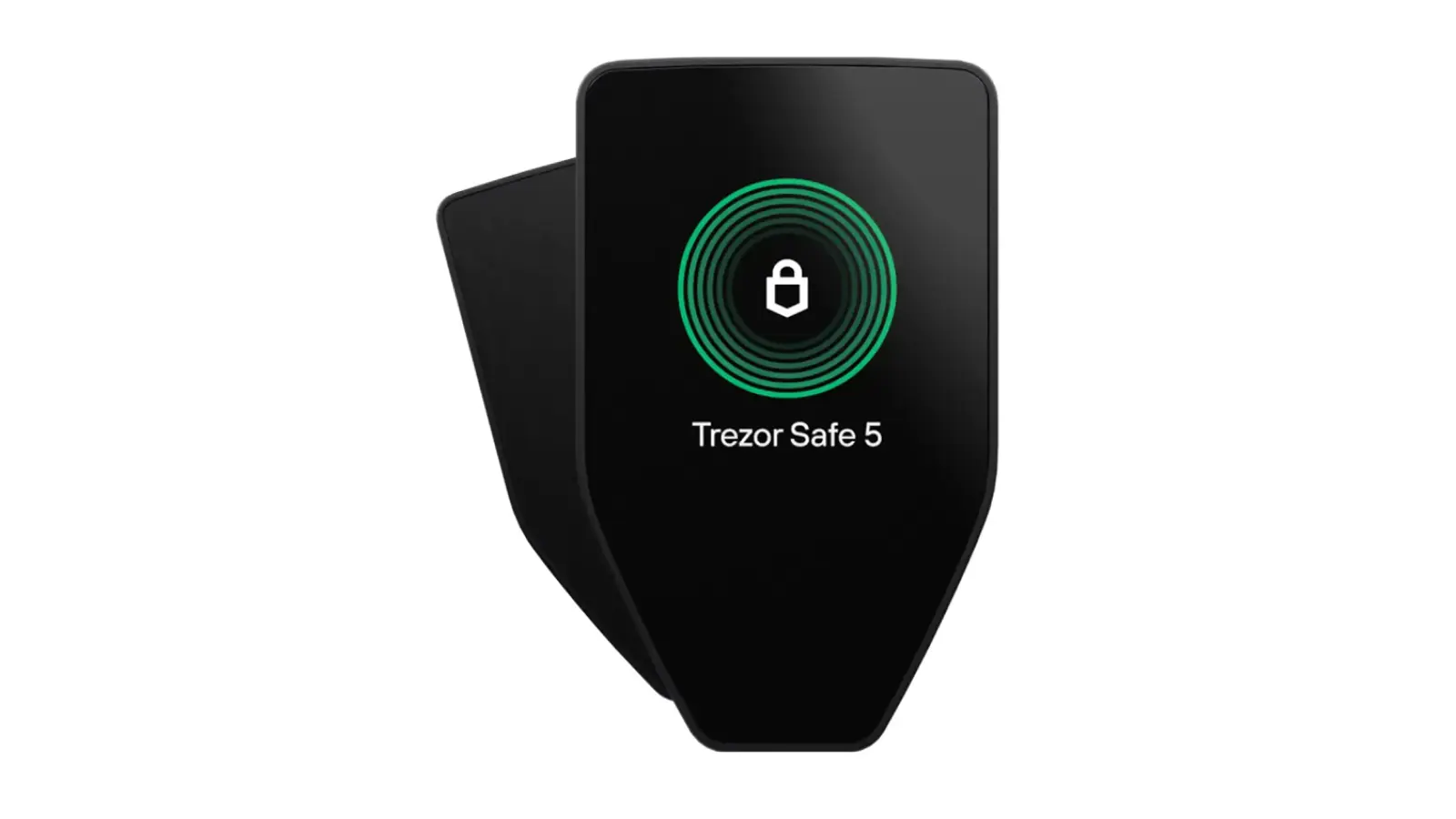
Its default 20-word SLIP39 backup can also be configured as multiple recovery shares. With a suitable threshold, losing or exposing one share does not necessarily compromise the wallet.
Main trade-off: More flexible recovery requires more planning. You need compatible recovery software or hardware, enough surviving shares, and the exact passphrase if you use one.
Ledger Flex
Best for: Users who want hardware key protection with a readable transaction screen
Ledger Flex stores signing keys in a Secure Element and displays transaction information on a touchscreen controlled by that secure hardware. This provides a separate place to check what you are authorizing, even when the connected phone or computer cannot be trusted.
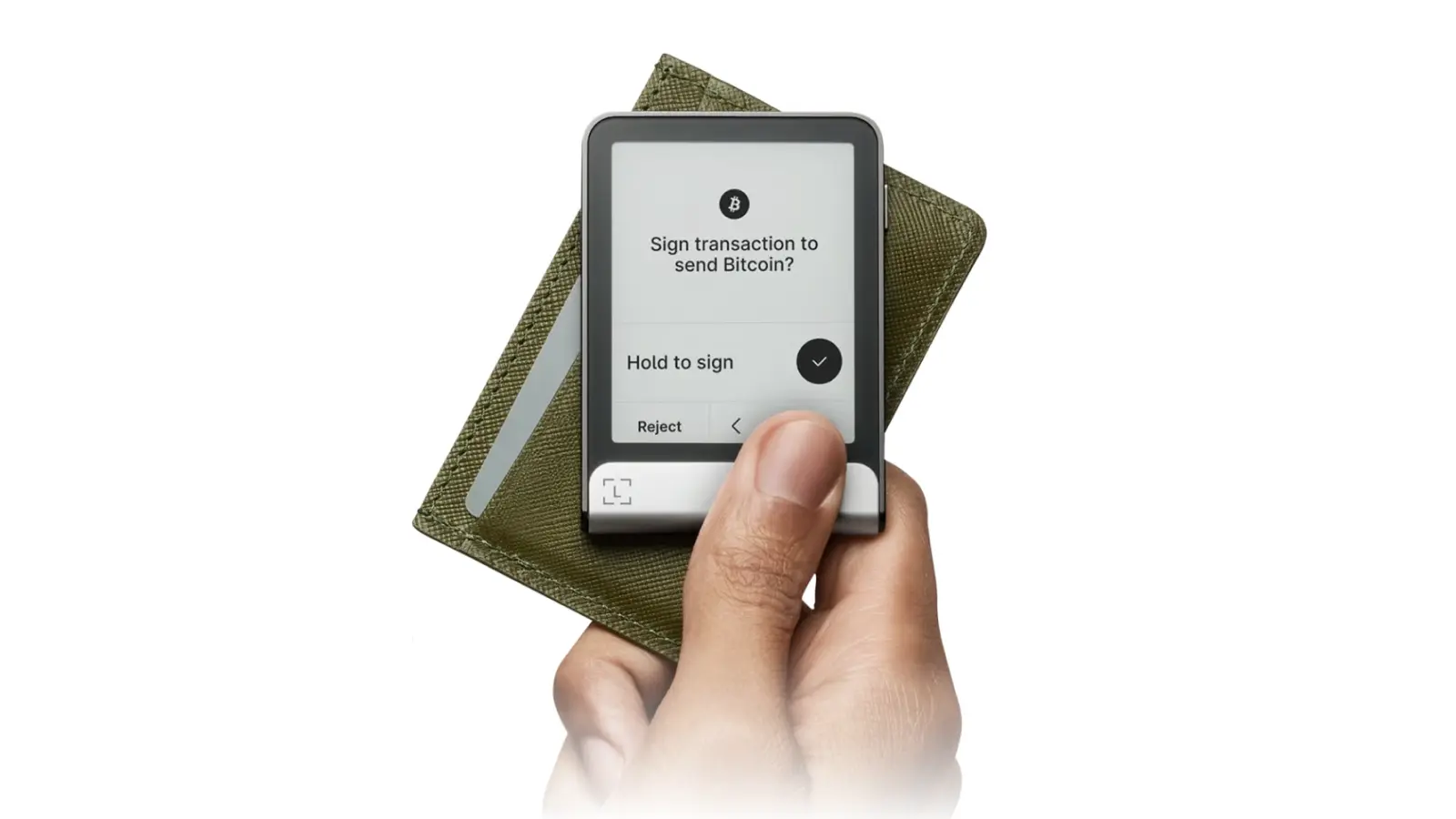
For supported interactions, Clear Signing translates contract data into readable details. That matters when an action involves more than sending a specified amount to an address.
Main trade-off: Clear Signing coverage depends on the application and interaction. Owning the device does not mean every unfamiliar contract request will be fully explained.
BitBox02 Nova
Best for: Users who prefer a compact device with a straightforward backup process
BitBox02 Nova combines open-source firmware, a dual-chip security architecture, and transaction verification through its built-in display and touch controls. Its microSD backup removes the need to manually transcribe recovery words during the standard setup, although recovery words remain available as an alternative.
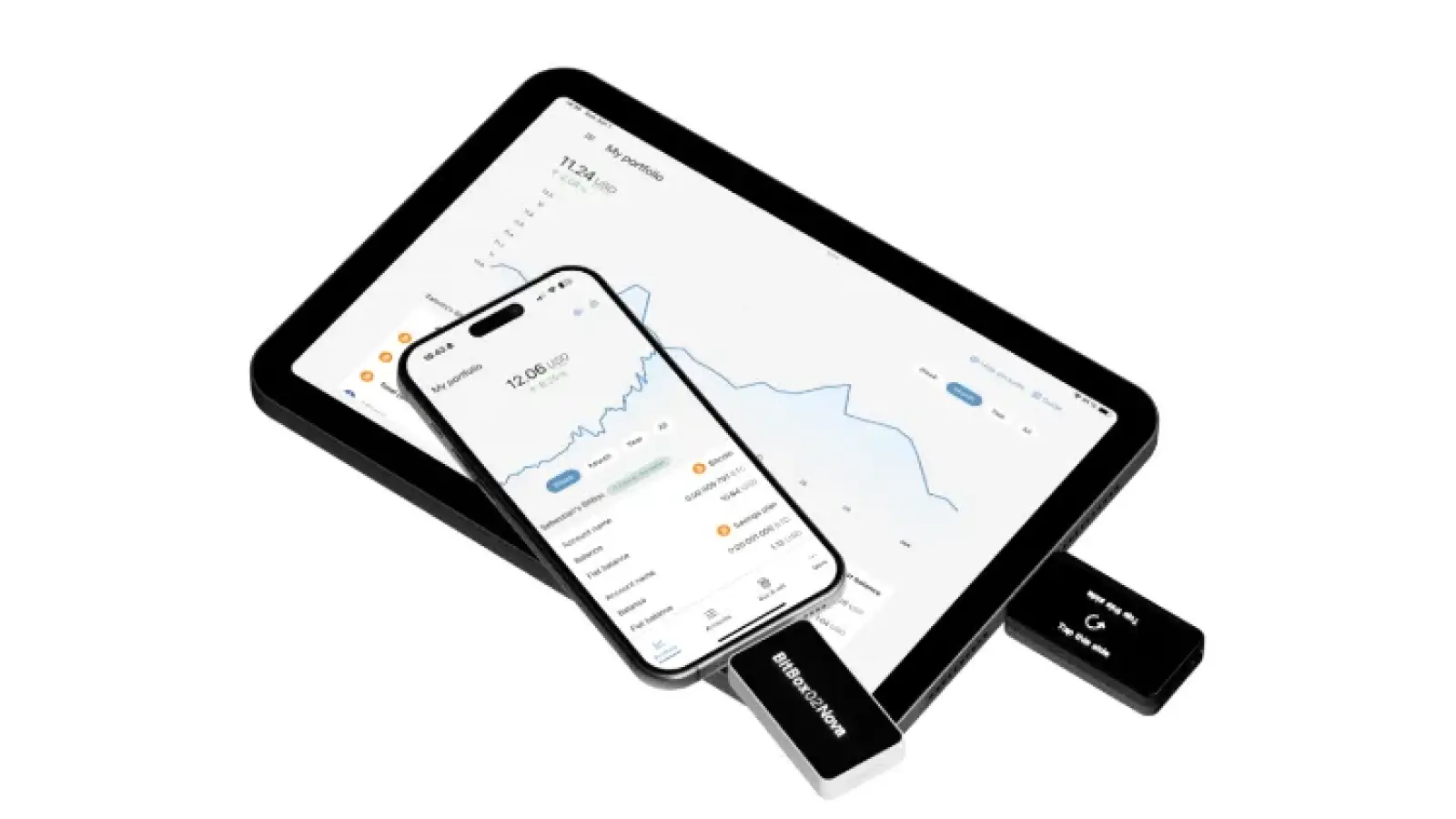
Main trade-off: The backup card is a spending secret, not an ordinary accessory. It is unencrypted by default and should be removed after setup, protected from physical access, and stored separately from the device.
Keystone 3 Pro
Best for: Users who prefer QR-based signing with a large transaction display
In Air-Gap Mode, Keystone exchanges transaction data through QR codes rather than a direct data connection to the wallet software. Its touchscreen lets you inspect supported transaction details before approving, while its backup options include a recovery phrase or Shamir shares.
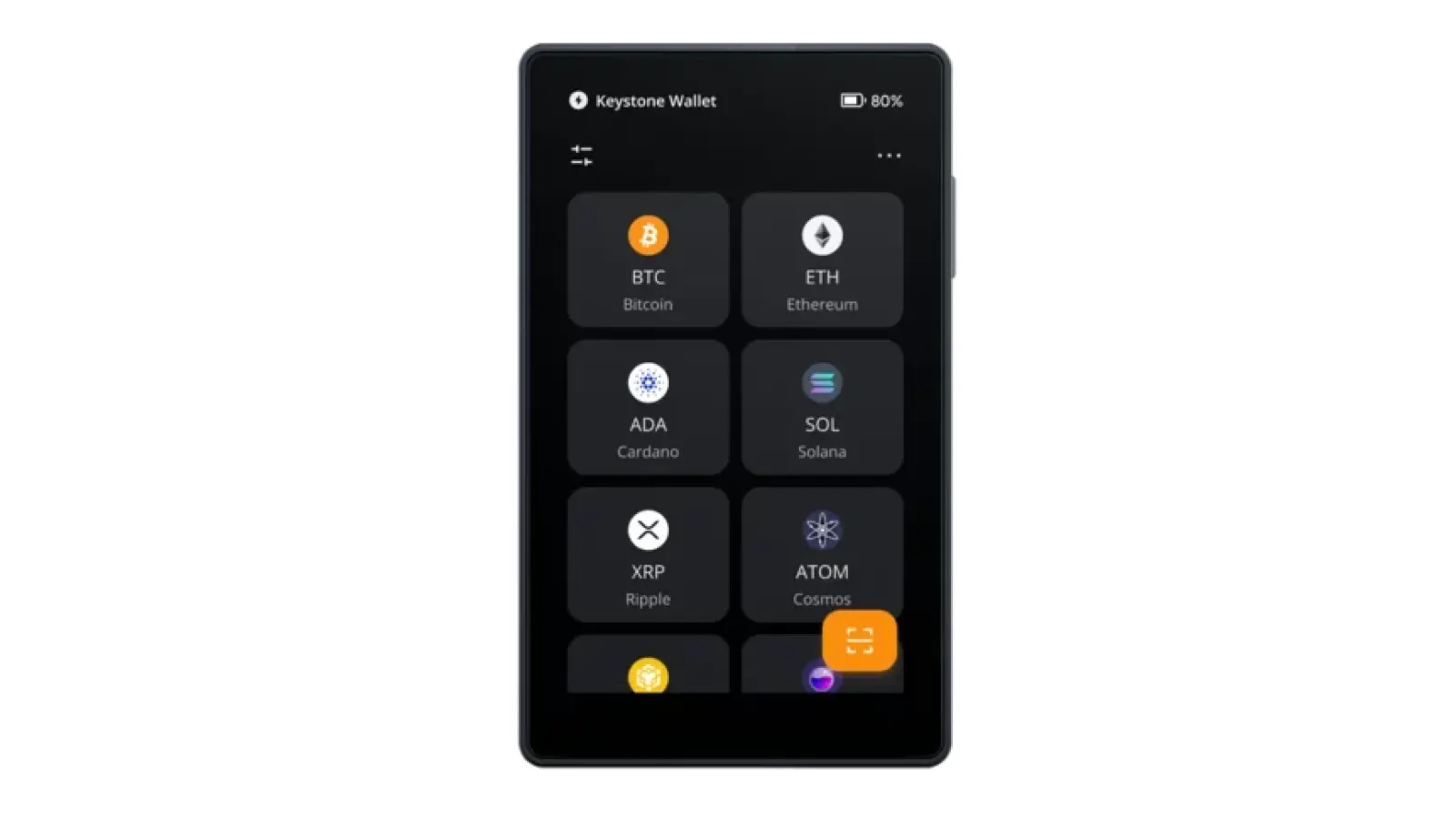
Main trade-off: Signing requires scanning between the device and compatible software. The extra steps may suit occasional vault transactions better than frequent activity. QR isolation also leaves the device responsible for interpreting incoming data correctly and the user responsible for reviewing the request.
Are Software Wallets Safe?
Software wallets can support secure everyday crypto use, but locally stored signing keys rely on the security of the application and the phone or computer running it.
Encryption helps protect stored wallet data from someone who obtains the files without the password. However, the application must use signing credentials when you authorize a transaction. Malware, a malicious app update, or an attacker controlling the device can therefore create risks that a locked wallet file alone does not address.
Self-custody describes who controls the credentials. It does not automatically provide hardware isolation.
In Atomic Wallet, private keys and recovery information are encrypted locally on your device. We do not hold your recovery phrase or wallet password. Anyone who obtains the phrase can restore access elsewhere, so changing the app password does not resolve a leaked backup. Our recovery phrase guide explains how to protect it.
Some software wallets can also act as interfaces for a connected hardware wallet. In that arrangement, the software prepares the transaction while the hardware device signs it. The security distinction is where the signing keys operate, rather than whether an app appears on your screen.
For regular activity, a protected device and a limited working balance help contain exposure. Keep long-term reserves separate from wallets used frequently or connected to unfamiliar applications.
Can a Hardware Wallet Be Hacked?
Yes. Hardware wallets can have exploitable vulnerabilities, and funds can also be stolen through compromised backups or malicious authorizations without breaking the device’s key protection.
These are different failure paths. Extracting a key from a stolen device attacks its physical defenses. Stealing recovery words bypasses those defenses. Convincing the owner to approve a harmful operation uses the wallet’s signing function exactly as intended.
Common routes to loss include:
- Recovery phrase theft — An attacker restores the wallet elsewhere using words captured through phishing, screenshots, or an exposed backup
- Malicious approvals — The owner authorizes a spender to transfer tokens, potentially allowing later withdrawals without another hardware confirmation
- Address substitution — Malware replaces a destination, and the user confirms without comparing the complete address on the device
- Supply-chain tampering — A counterfeit or modified device compromises the setup or signing process
- Hardware or firmware vulnerabilities — A flaw weakens protections under the conditions required to exploit it
For example, an unlimited USDC approval can let the authorized spender transfer your USDC even after you unplug the hardware wallet. The permission exists onchain; disconnecting the device does not revoke it. That approval applies to the specified token, rather than automatically granting access to every asset.
Device authentication also has a defined scope. Ledger states that its Genuine Check cannot detect unauthorized physical modifications when the original Secure Element remains intact. Purchase channels and device checks therefore work together.
Hardware protection remains valuable, but safe storage also requires protecting the backup and understanding each authorization.
Are Seedless and MPC Wallets Safer?
Seedless and MPC wallets can reduce particular key-management risks, but their safety depends on what replaces the recovery phrase and who controls signing and recovery.
The terms describe different things. Seedless usually describes an experience without recovery words to manage. MPC, or multiparty computation, describes a cryptographic architecture in which participants use separate key shares to produce a signature.
A wallet can use MPC and still require a recovery backup.
Seedless Wallets
Removing recovery words can eliminate the risk of photographing, mistyping, or sharing that phrase. The replacement recovery method becomes critical.
Tangem’s seedless hardware setup uses additional linked cards as backups. Losing a phone does not mean losing the signing keys, because they reside on the cards. However, if every linked device is lost or destroyed and no seed phrase was created, the wallet cannot be recovered.
Keeping all backup cards together exposes them to the same theft, fire, or accidental loss. Seedless recovery can simplify the user experience, but physical redundancy still needs deliberate storage.
MPC Wallets
Threshold MPC signing allows separate shares to cooperate without assembling the complete private key during normal signing. This can prevent one stolen share from being sufficient to authorize a transaction.
The practical questions are:
- Share control — Which shares do you control, and which belong to the provider or another participant?
- Signing requirements — Which combination must cooperate to authorize an operation?
- Recovery access — What happens if you lose your device, authentication account, or backup?
- Provider availability — Can you recover or move funds if the service stops operating?
Different implementations answer these questions differently. Choose a recovery system whose dependencies you understand and whose required devices, credentials, and backups you can preserve.
When Does Multisig Make Sense?
Multisig makes sense when protecting a large balance or sharing control is worth the additional setup and recovery work.
In a 2-of-3 arrangement, three independent signers are registered, but any two must approve a transfer. If one signing key is stolen, it cannot move the funds alone. If one signer is lost, the other two can still meet the threshold.
Safe describes a 2-of-3 setup using separate software and hardware signers. The protection depends on keeping those signers genuinely independent. Three devices stored together, or three backups accessible through the same compromised account, offer much less resilience.
Before funding a multisig wallet, verify that you can answer three questions:
- Who can sign? — Record every owner and the number of signatures required
- What happens if one signer is lost? — Confirm the remaining signers can still authorize a transaction and replace it
- What must be backed up? — Preserve each signer’s recovery material and any wallet configuration data needed to restore the setup
The last point matters especially for Bitcoin multisig. Recovery can require the wallet’s descriptor, which records how the signers’ public keys combine, in addition to enough private-key backups.
Multisig protects against a single compromised signer. It cannot help if enough signers approve the same malicious request, and an unreachable signing threshold can lock everyone out. Choose it when you can maintain a clear record of the setup and a workable recovery plan.
How to Choose the Safest Wallet for Your Needs
Choose the wallet setup around the transactions you make, the amount you need readily available, and how you will recover access after a device or backup is lost.
Start with your most important use case:
You may use more than one wallet. Keeping long-term holdings separate from frequent transfers means a risky approval in your active wallet does not automatically expose your reserve.
Before choosing a product, check whether it supports the specific assets and networks you use and whether you can understand its signing and recovery steps. A backup you cannot restore or a transaction screen you routinely ignore weakens an otherwise capable wallet.
If you are considering multisig or an unfamiliar recovery method, set it up with a small amount first. Confirm that you can receive, send, and regain access before moving a larger balance.
How to Keep Your Crypto Wallet Secure
Protect your recovery method, keep your signing device trustworthy, and verify each transaction before you approve it.
A strong wallet setup can still fail at any of those points. The most useful habits are practical:
- Install from the official source — Use the wallet maker’s website or its direct app-store links, and follow the manufacturer’s device-authentication steps where available
- Create and protect your backup — Record recovery words offline, check that you copied them correctly, and store them separately from the device they restore
- Secure the device and accounts you rely on — Keep your operating system and wallet updated, use a unique wallet password, and protect any email or cloud account involved in recovery
- Check the full payment route — Verify the asset, network, complete destination address, and any required memo or tag before sending
- Read signing requests — Review the recipient, amount, contract action, and token spending limit. Confirm details on the hardware device itself when using one
- Separate holdings by purpose — Keep long-term reserves apart from balances used for frequent transfers or unfamiliar applications
A valid-looking address does not establish who controls it. Wallet software cannot independently confirm that an external address belongs to your intended recipient, and clipboard malware can substitute a different address after you copy it. Our address verification guide explains what to check.
If your recovery phrase or private key may have been exposed, a new password is insufficient. Create a new wallet with new keys and transfer the funds while you still control the old one.
Using Atomic Wallet for Everyday Crypto Management
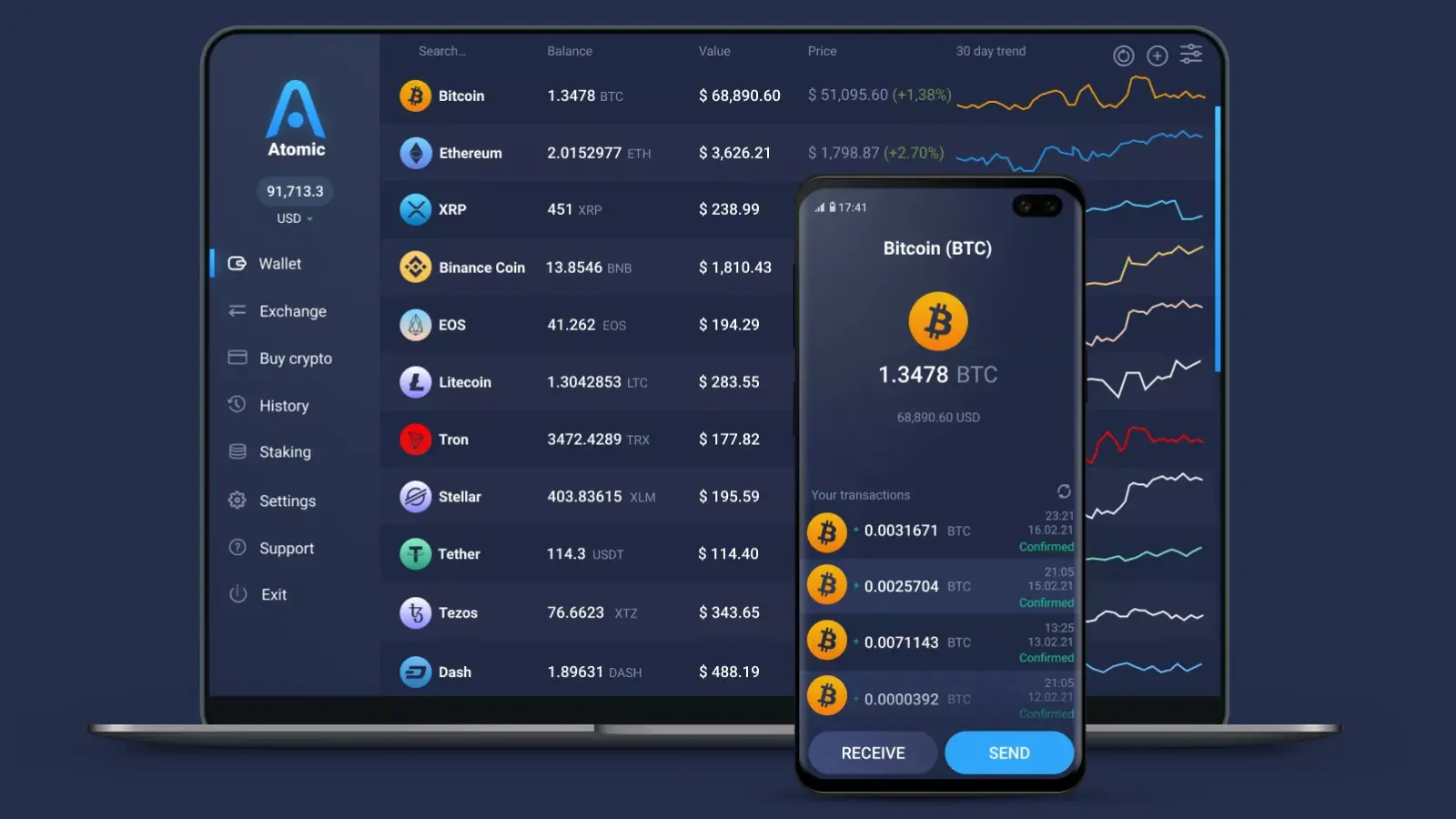
Atomic Wallet lets you manage supported assets from a self-custody app, with private keys encrypted locally on your device.
You can find a receiving address for a supported asset, send crypto, and access available swaps and staking in the app. The exact networks, pairs, and staking conditions depend on the asset and service, so review the transaction details before confirming.
When you create an Atomic Wallet, it generates a 12-word backup phrase. That phrase can restore the wallet if you lose your phone, computer, or app password. We cannot retrieve it for you, and anyone who obtains it can restore access elsewhere. Keep it offline and separate from your device.
For a setup that also uses hardware storage, transfer only the amount you intend to use regularly into Atomic through an ordinary onchain transaction. Entering a hardware wallet’s recovery phrase into a software wallet would expose that same set of keys to the software device and remove the hardware isolation you established.
Atomic provides a convenient place for supported day-to-day activity. Your backup, device security, and transaction checks remain part of protecting those funds.